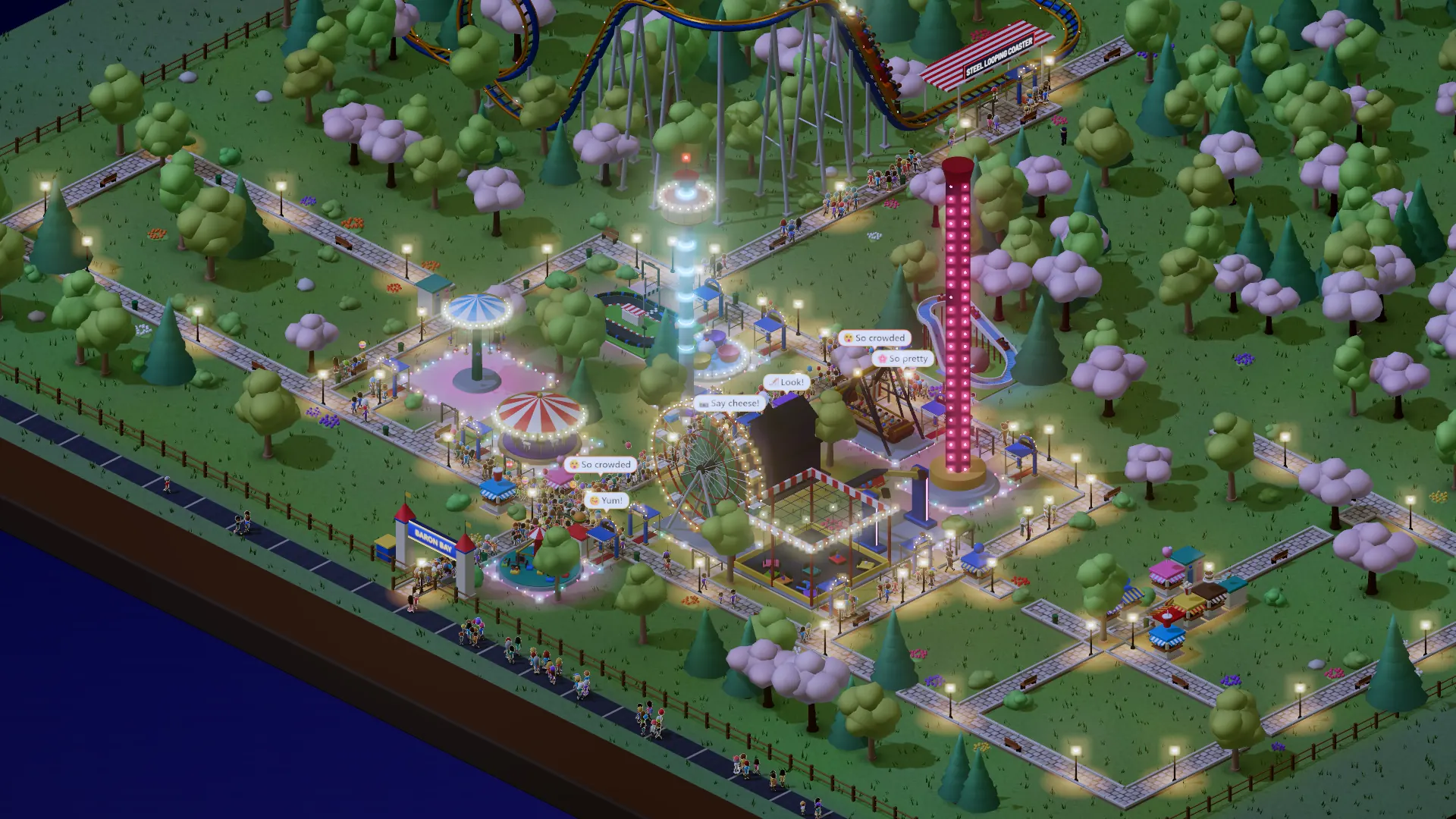
- Paths and queues step by step, with a gold arrow
- Paths on rough ground stand on supports
- Right-click removes while building; moves entrances
- No more paying twice for the same path
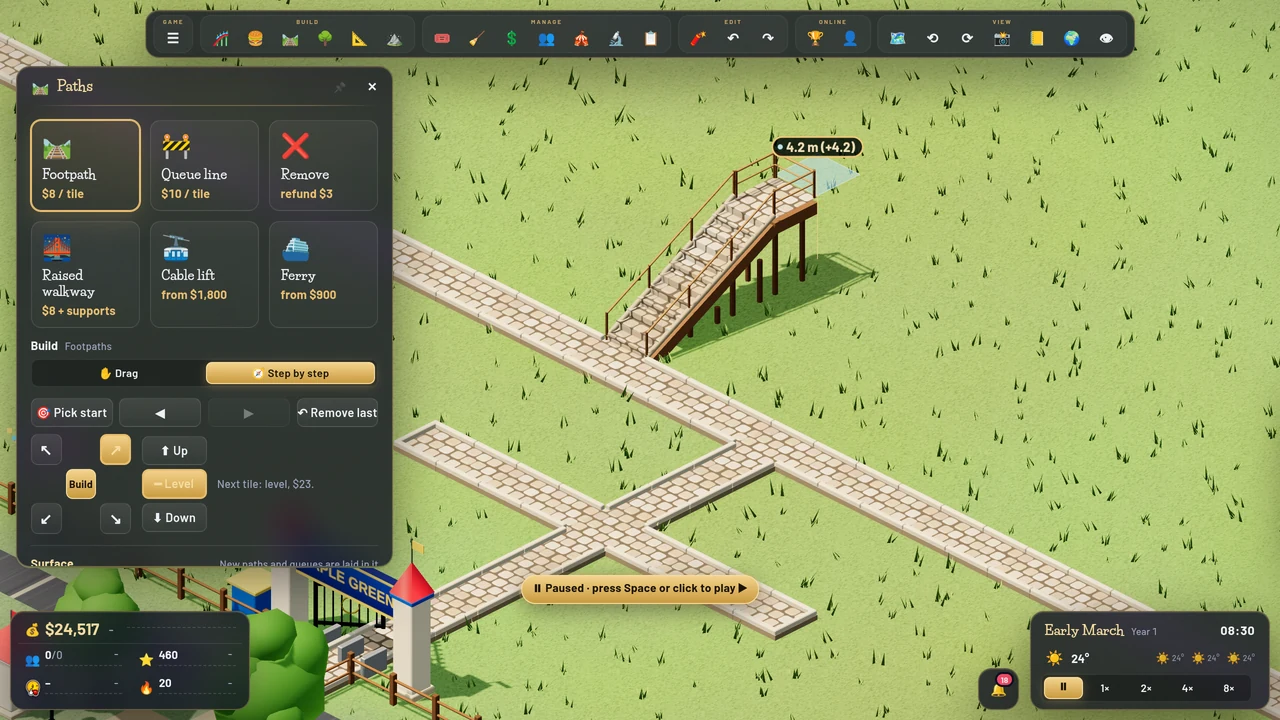
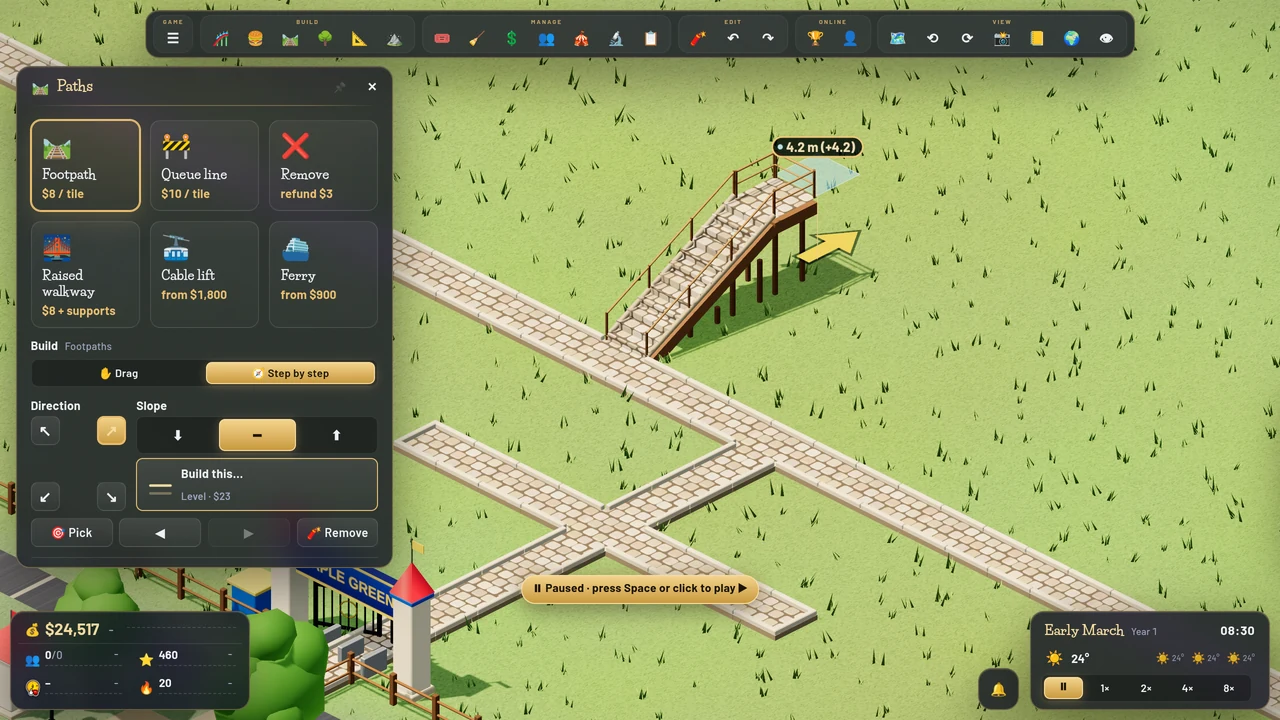 BeforeAfter
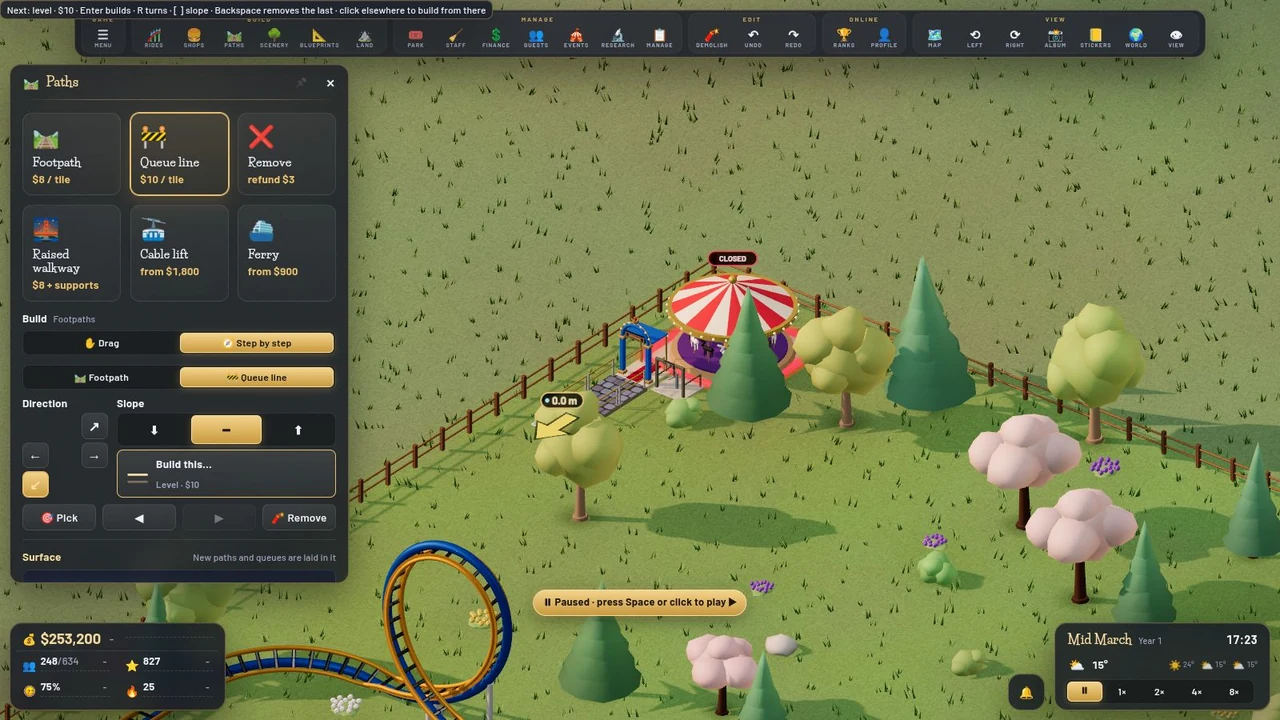
A queue line step by step from the Merry-Go-Round’s entrance: the gold arrow shows the next tile and its price 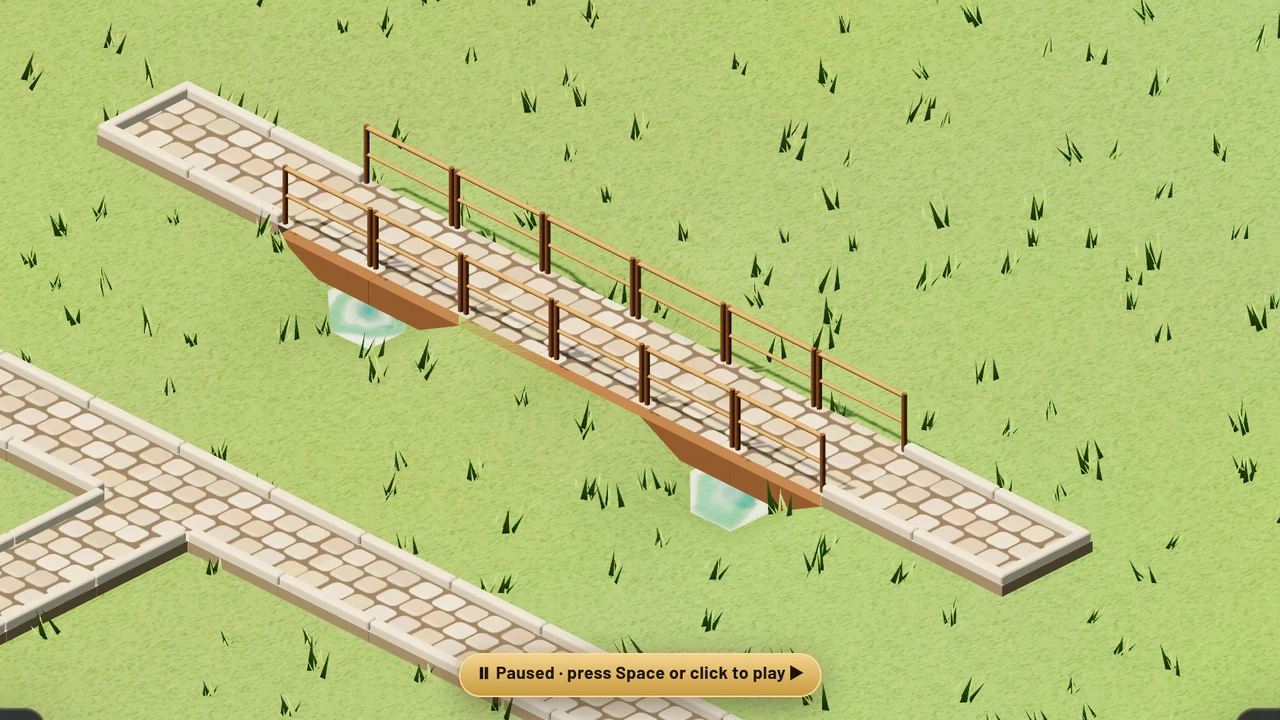
A path across rough ground: where the land dips, it stands level on supports 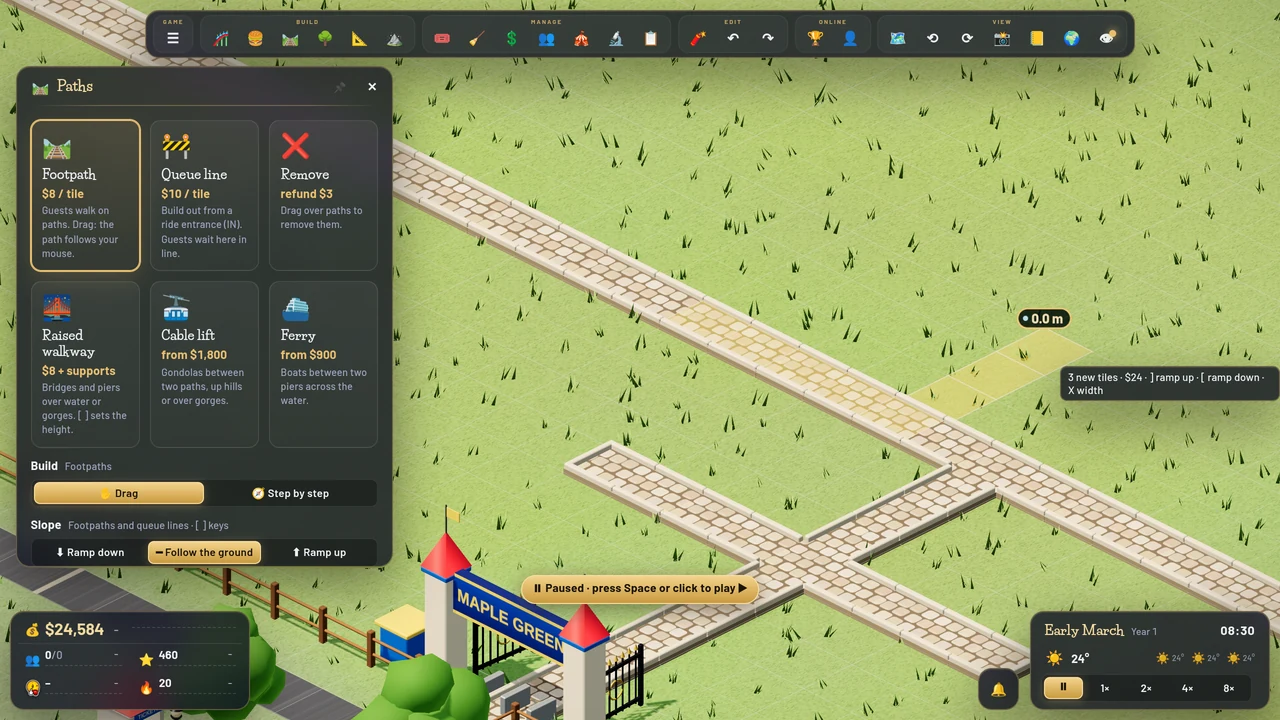
Drawing over a path you already have: only the new tiles count, and only they cost 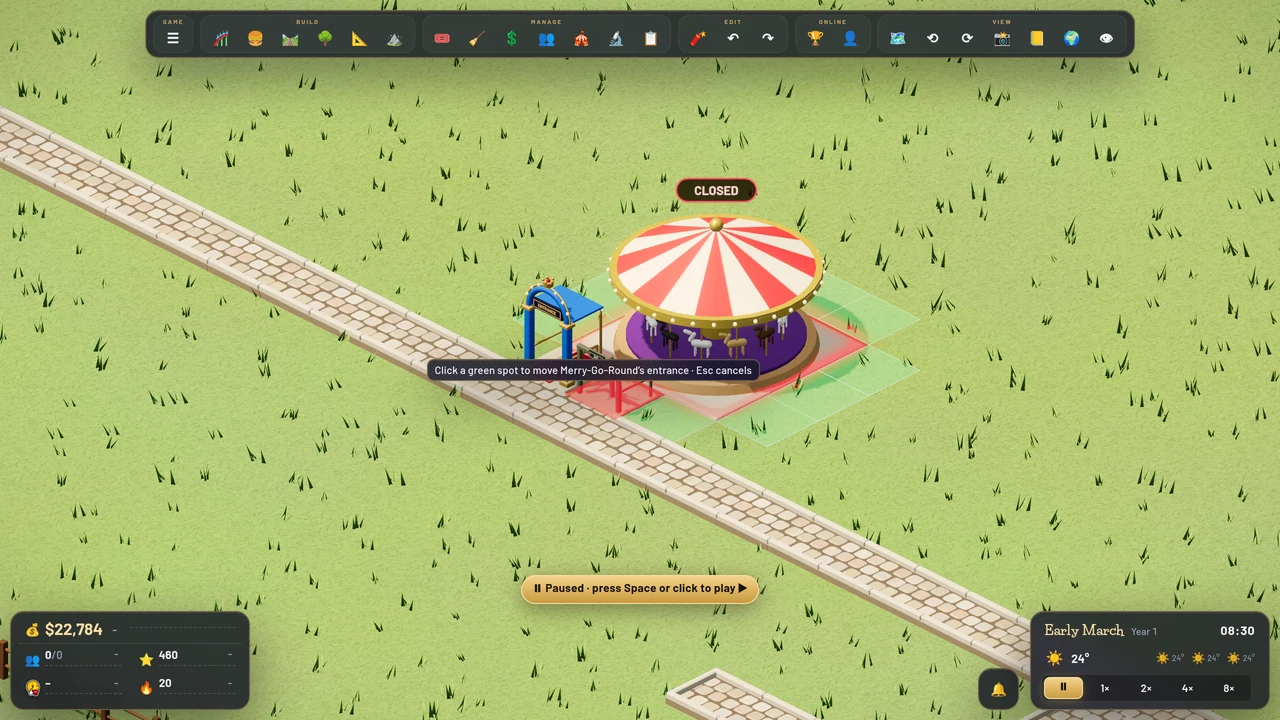
Right-click a ride’s entrance: it lifts off, and a click puts it down where you want it 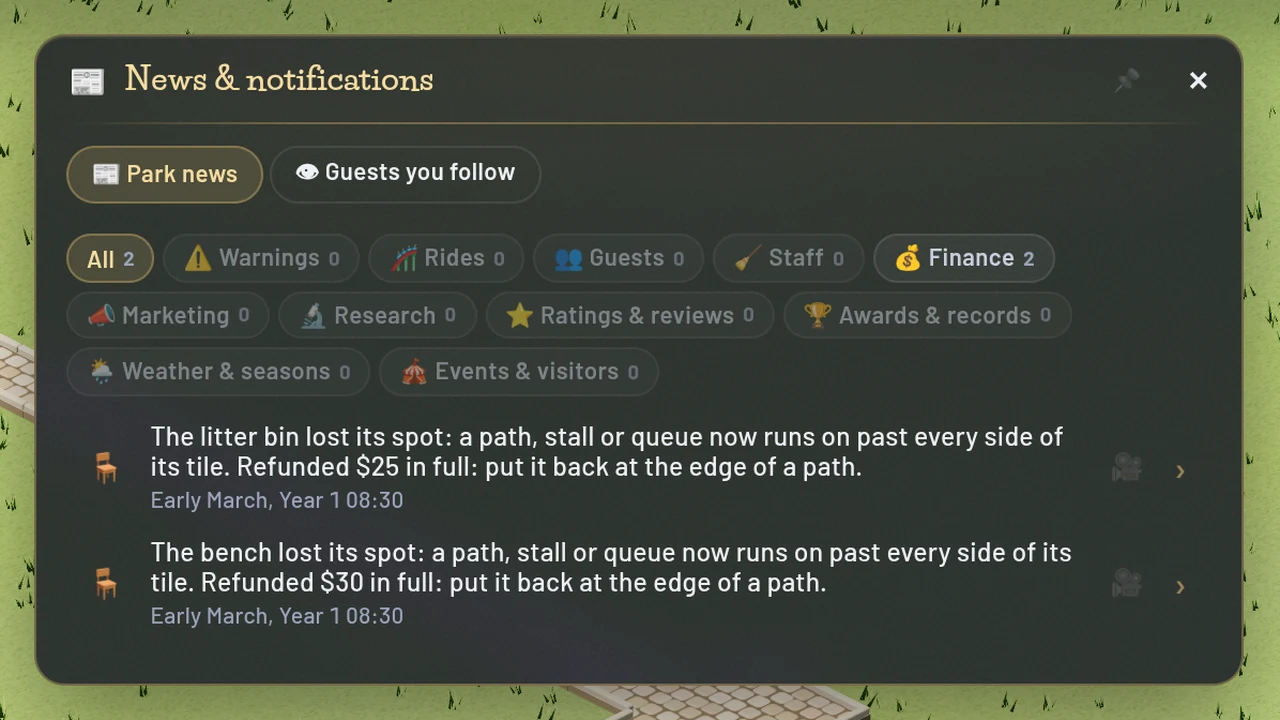
When a new path takes a bench’s spot, the news says so in one plain sentence, with the refund
Everything in this update (7)
- Building paths step by step now looks like the classic games: Direction and Slope side by side, a Build this… box with the next tile’s price (or why it can’t go), and a gold arrow on the tile it will build. The arrow shows over a path before you even click it
- Queue lines can be built step by step too: pick Queue line, click a ride’s IN booth (or the end of a queue) and lay it a tile at a time
- A path on rough, half-lowered ground stands level on supports instead of being refused (priced as a raised walkway). Queue lines too
- Right-click while building works the classic way: with Paths, Scenery, Rides or Shops open, or while placing something, it removes the path, bench, bin, lamp or decoration under it. On a ride’s entrance or exit it picks the booth up so one click puts it somewhere else
- Fix: drawing a path over a path you already have no longer charges for it again, and the price shows only the new tiles
- Fix: the message about a bench, bin or lamp losing its spot is one plain sentence, and no longer repeats on the bottom line with every path you lay
- A guest storming off no longer pulls the camera in