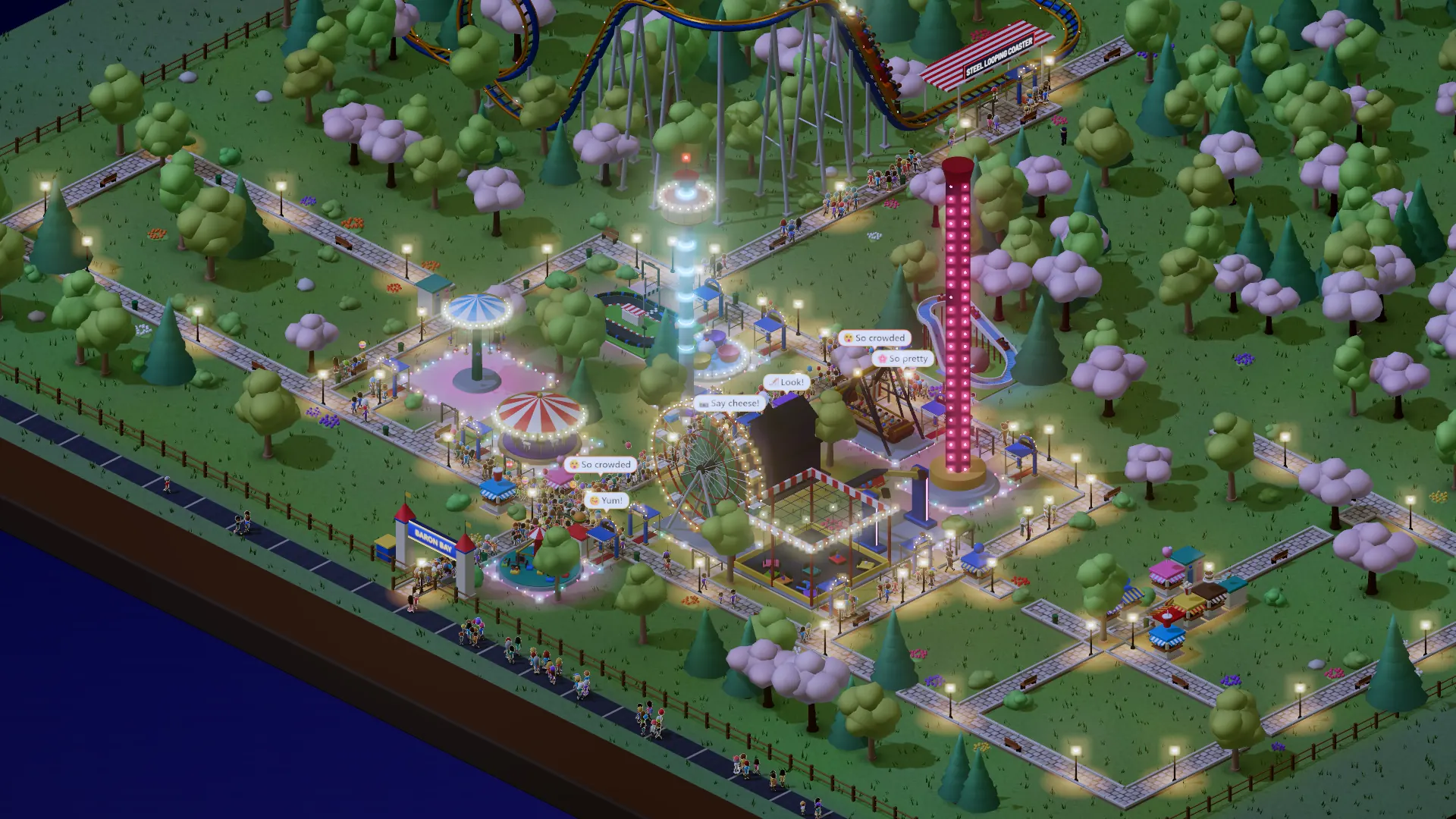
- Paths step by step: pick a start, four directions, up / level / down
- Wide paths follow your drag and turn
- Move shops; one price at every shop
- The park map opens on your park; a fixed Queues view
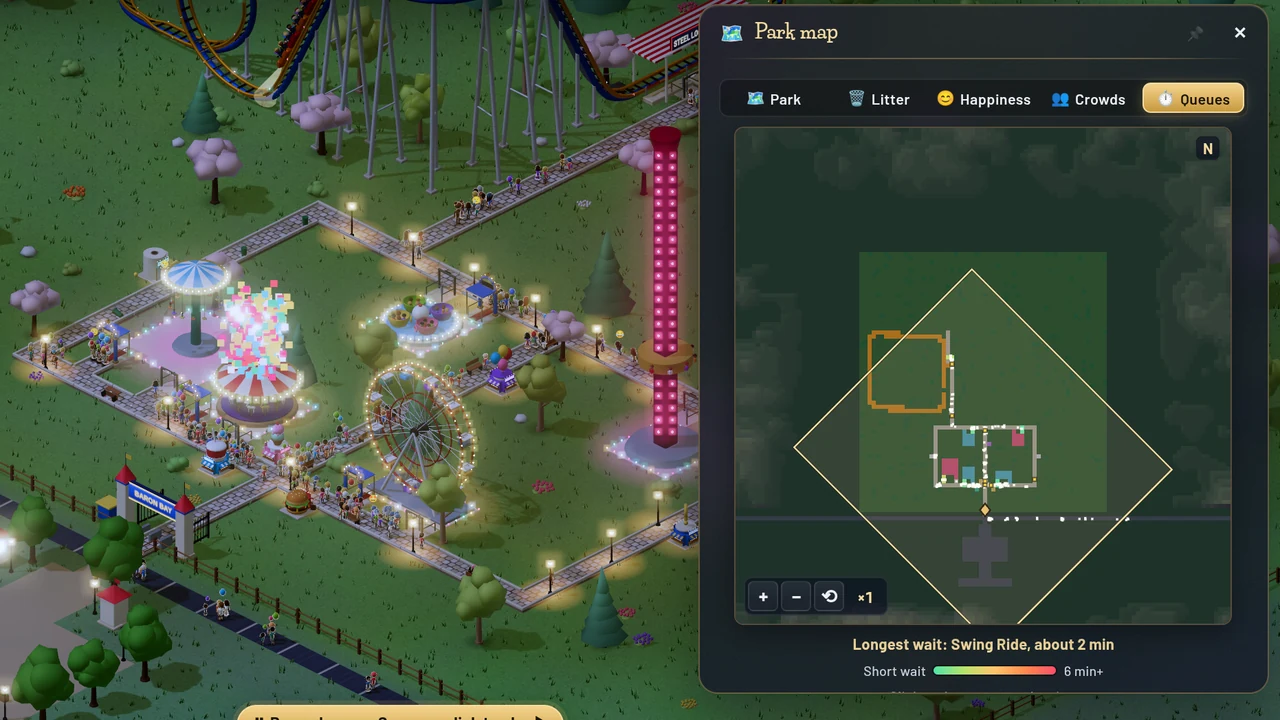
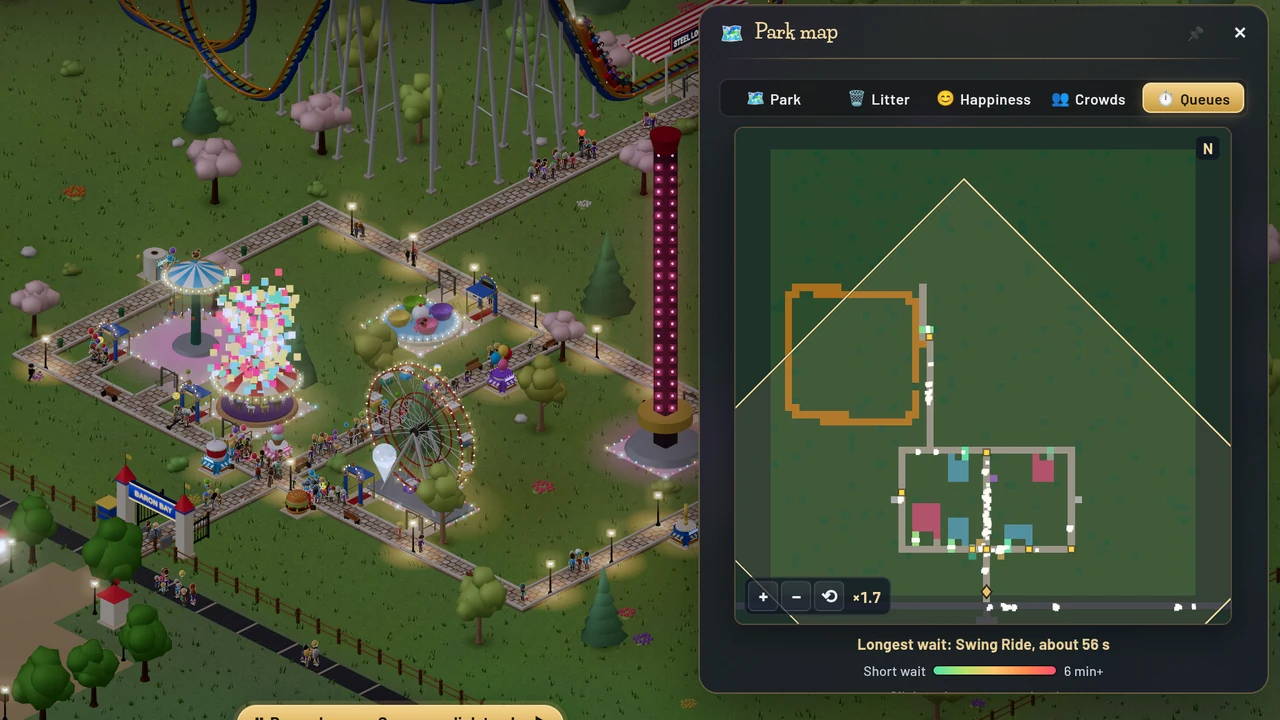 BeforeAfter
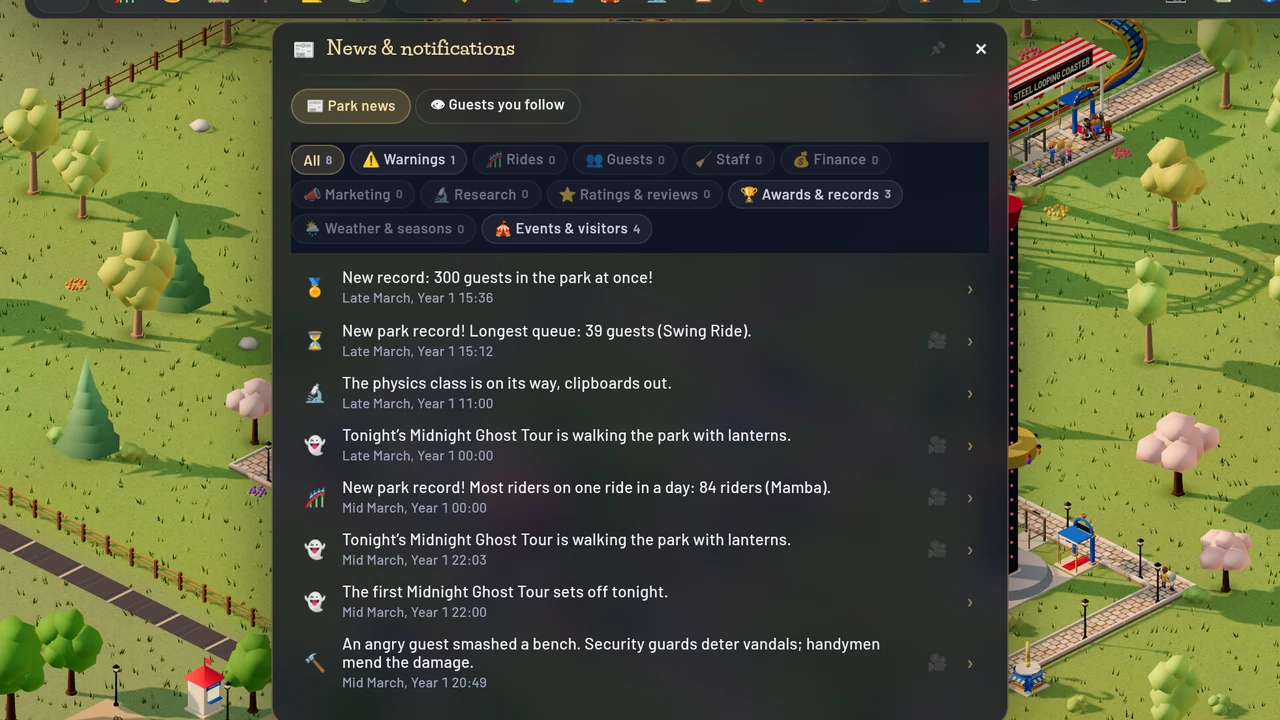
 BeforeAfter
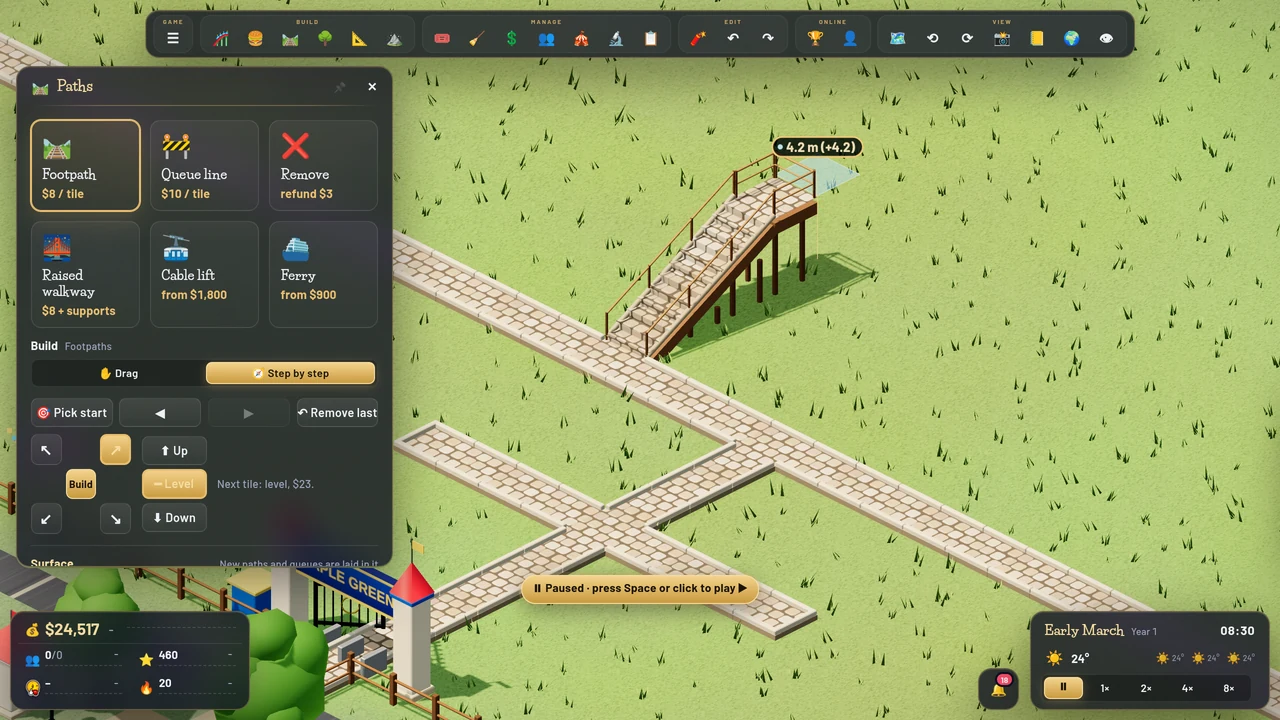
Step by step: picked from the avenue, three steps up and then level. The arrows turn with your view, and the next tile shows its price and height 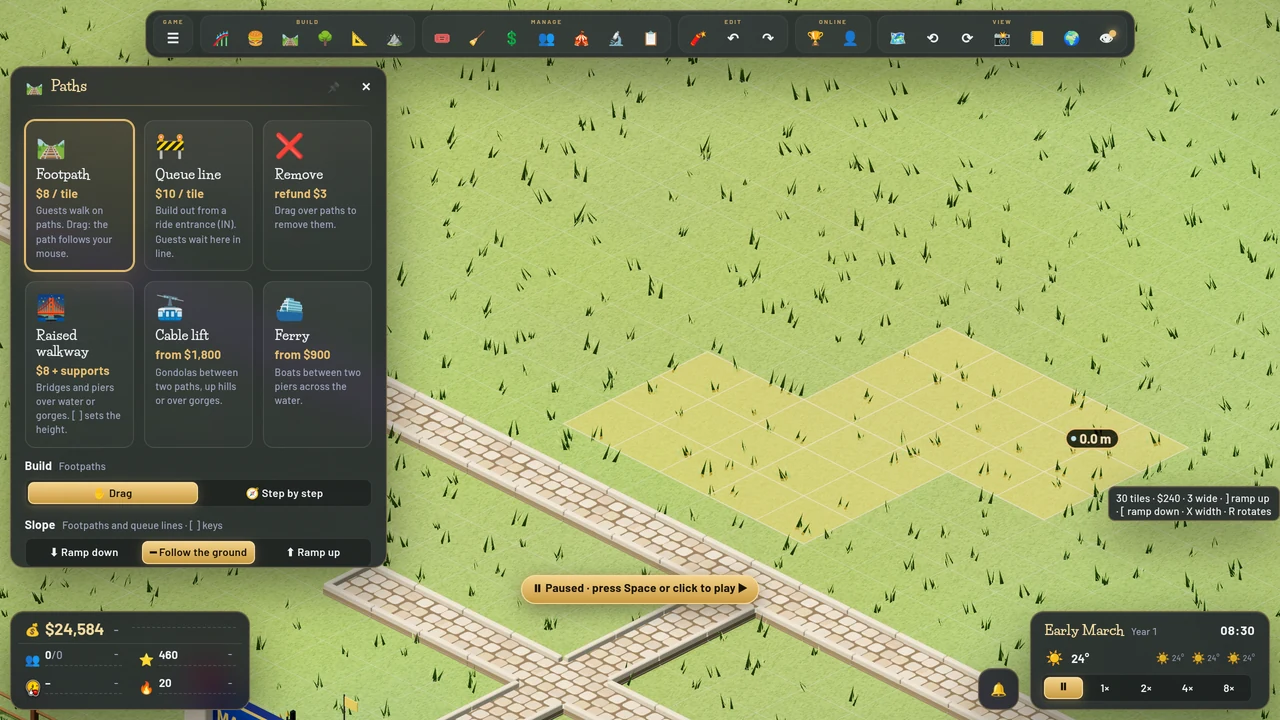
A 3-wide path drawn in one drag, turning twice: the corners fill in 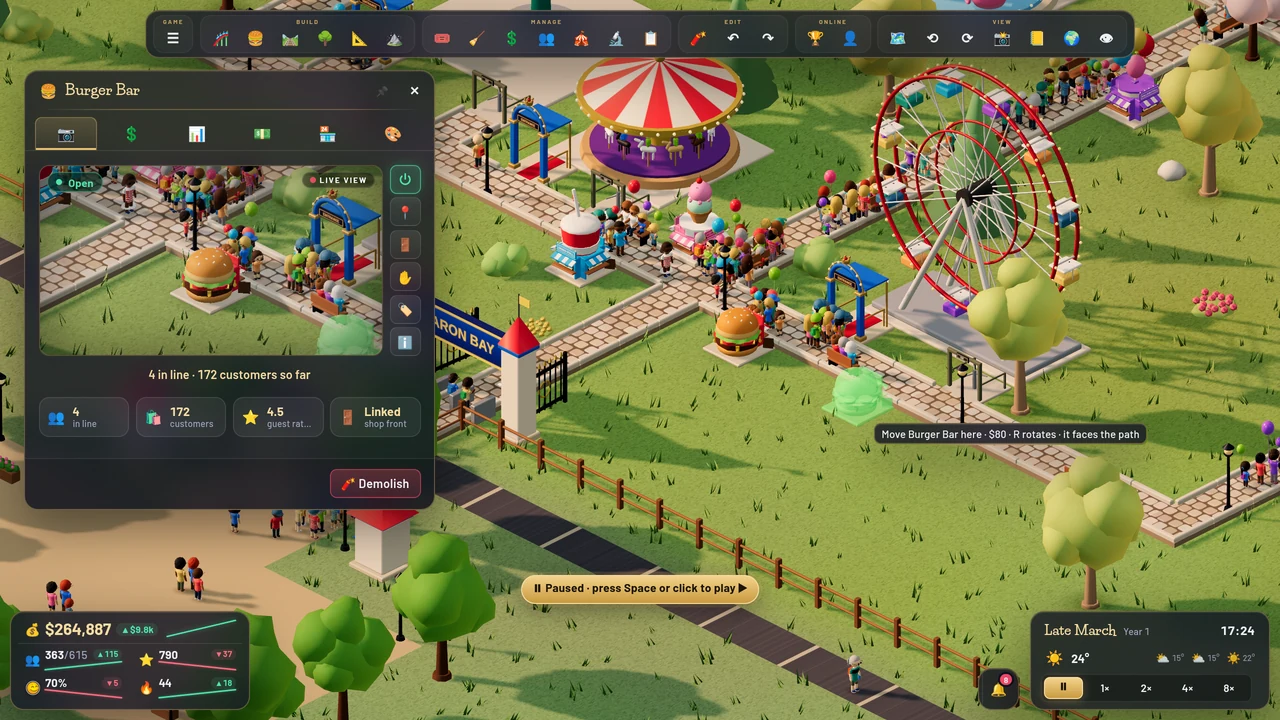
Moving a shop with ✋: where it will stand, and the price 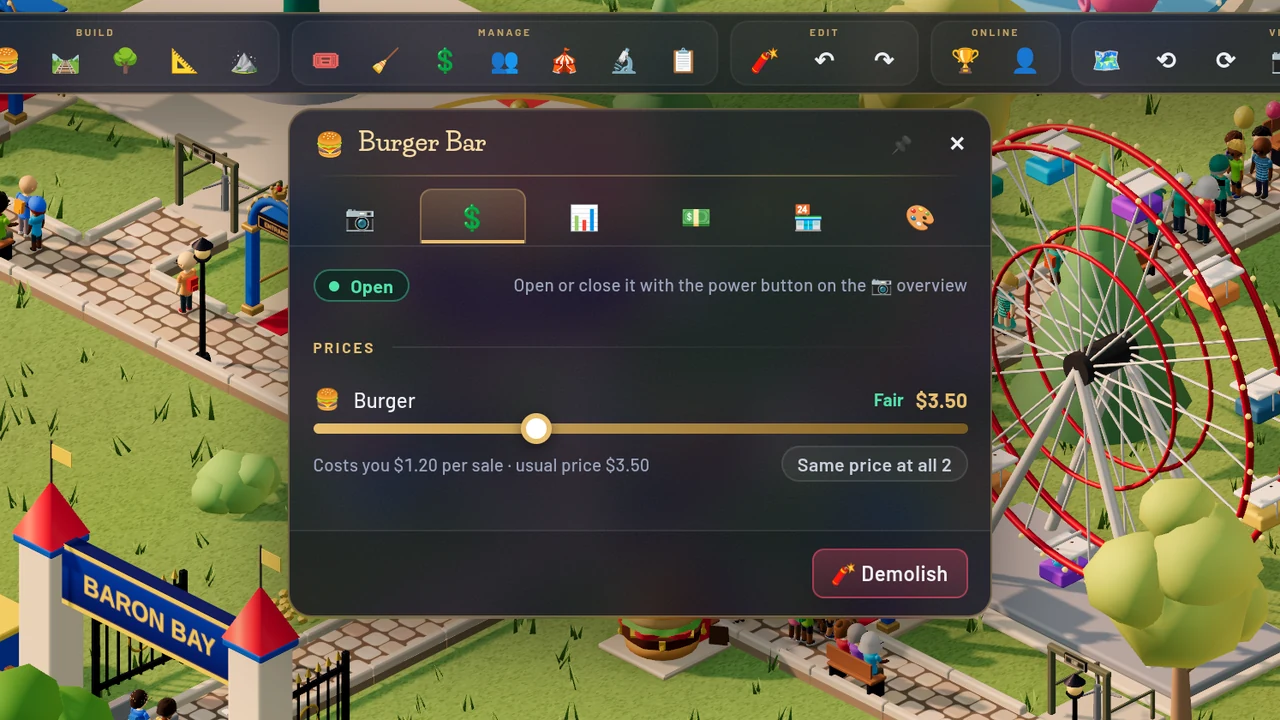
Same price at all: one click sets the item’s price at every shop that sells it 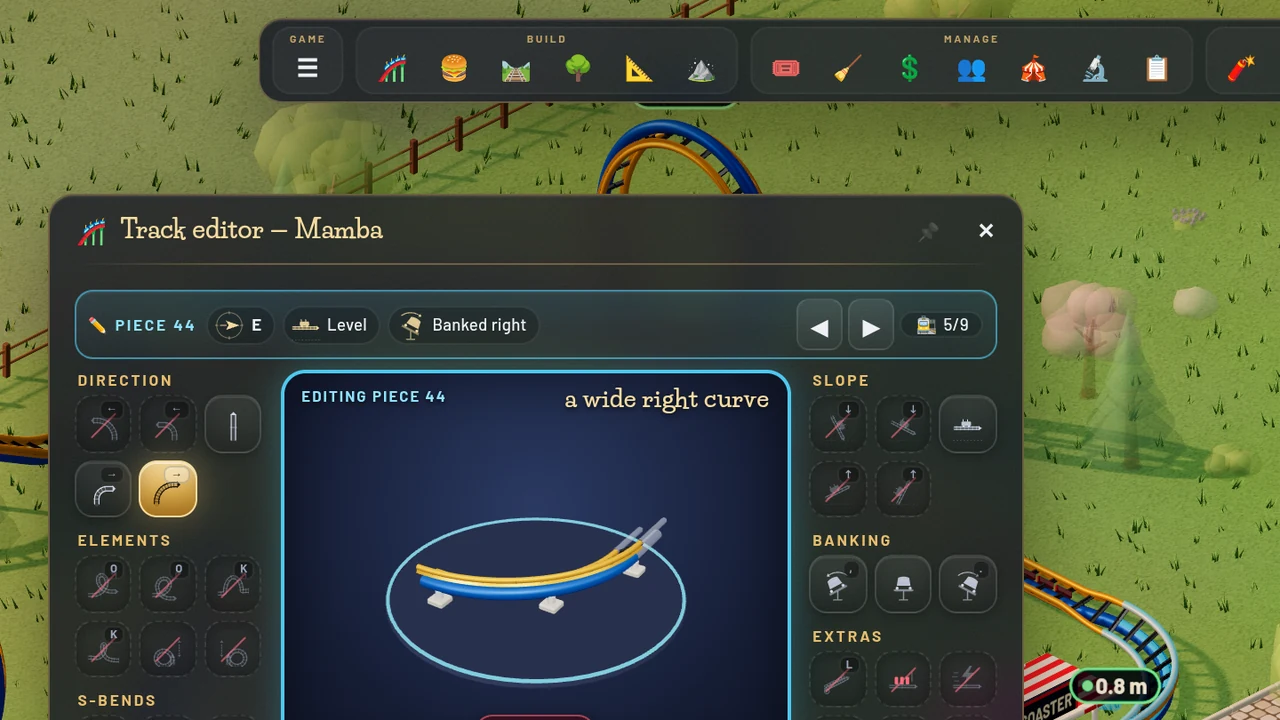
The coaster editor: ◀ ▶ walk the track piece by piece 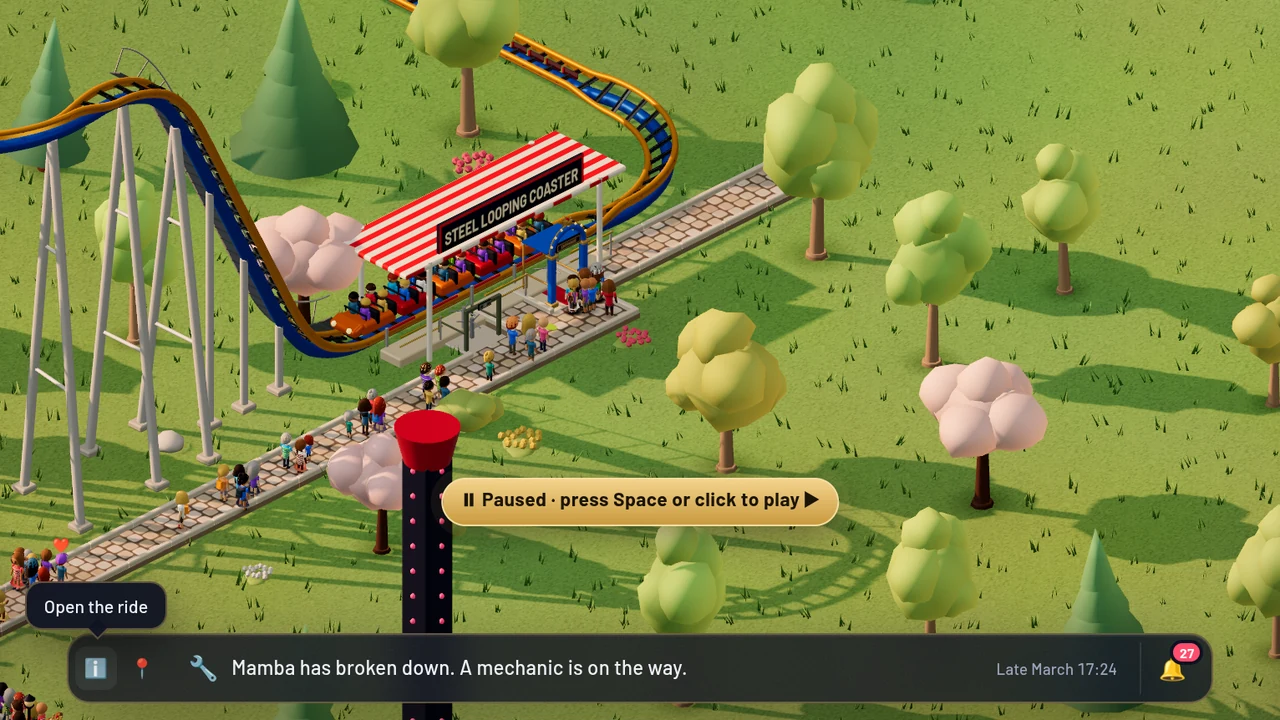
A new item in the news line: ℹ️ opens the ride, 📍 takes you there, a click on the text opens the News window 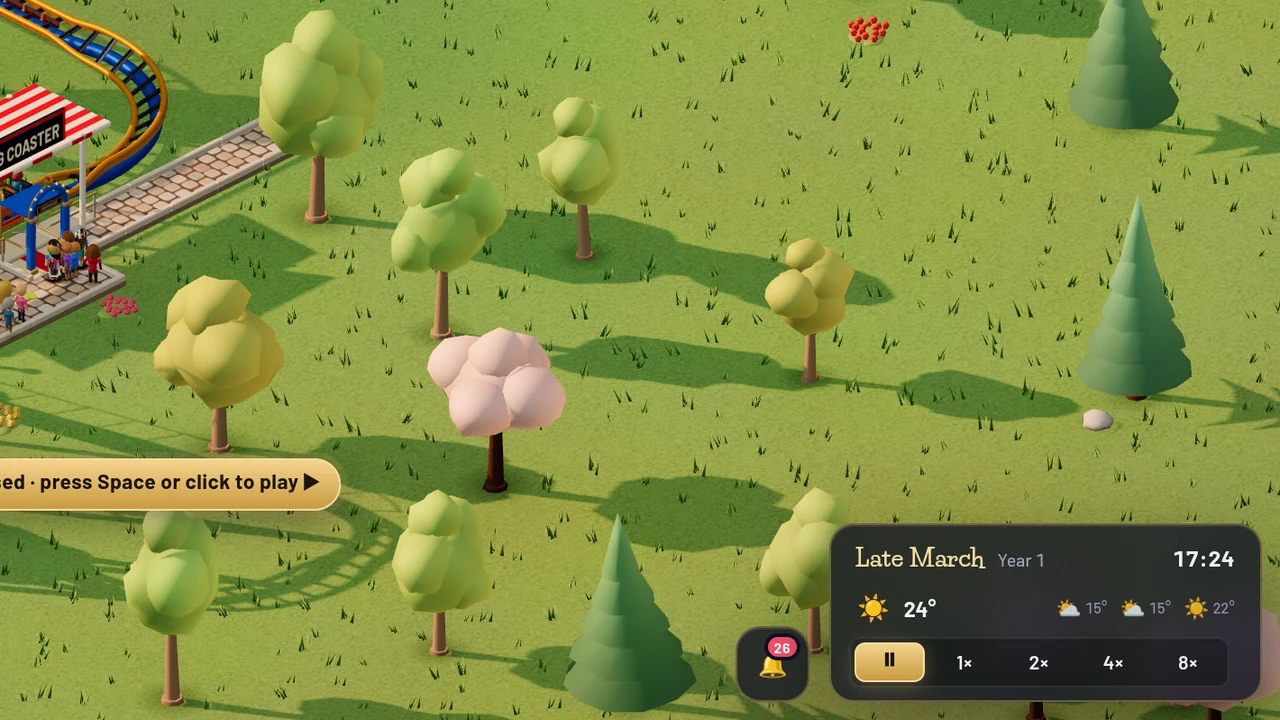
Nothing new: the line folds into a 🔔 beside the clock 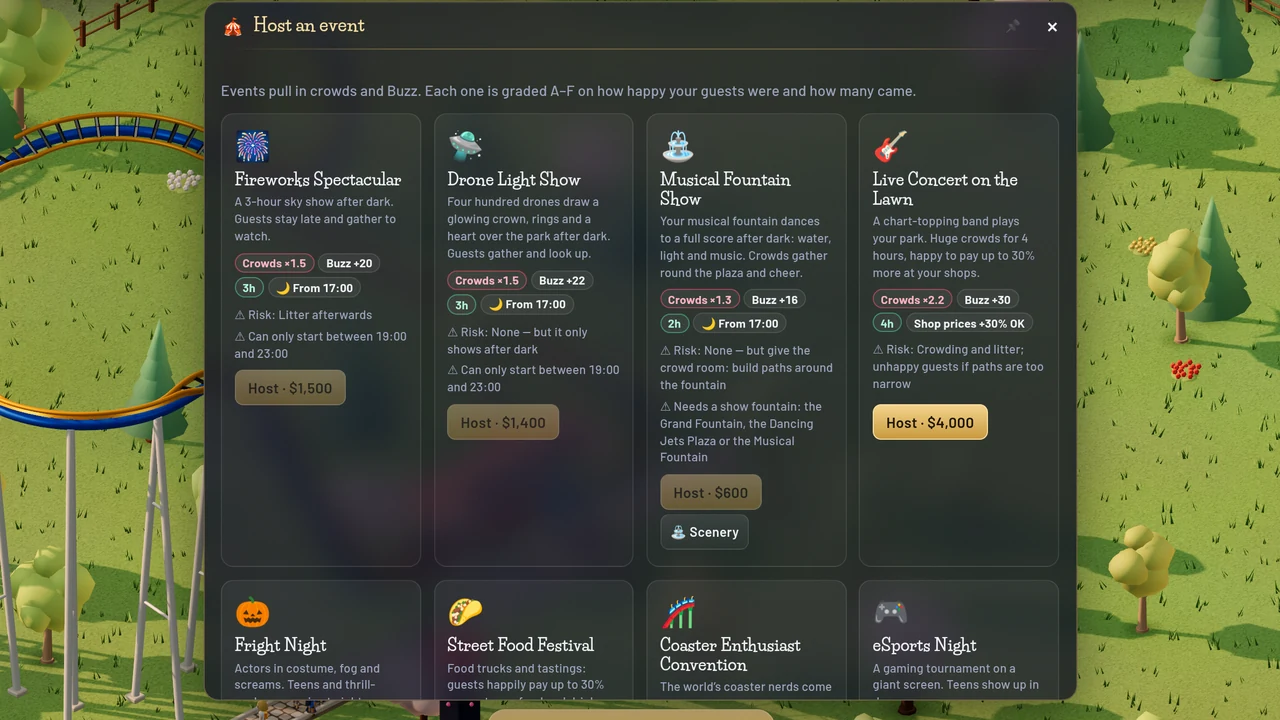
Host an event: wider, four to a row 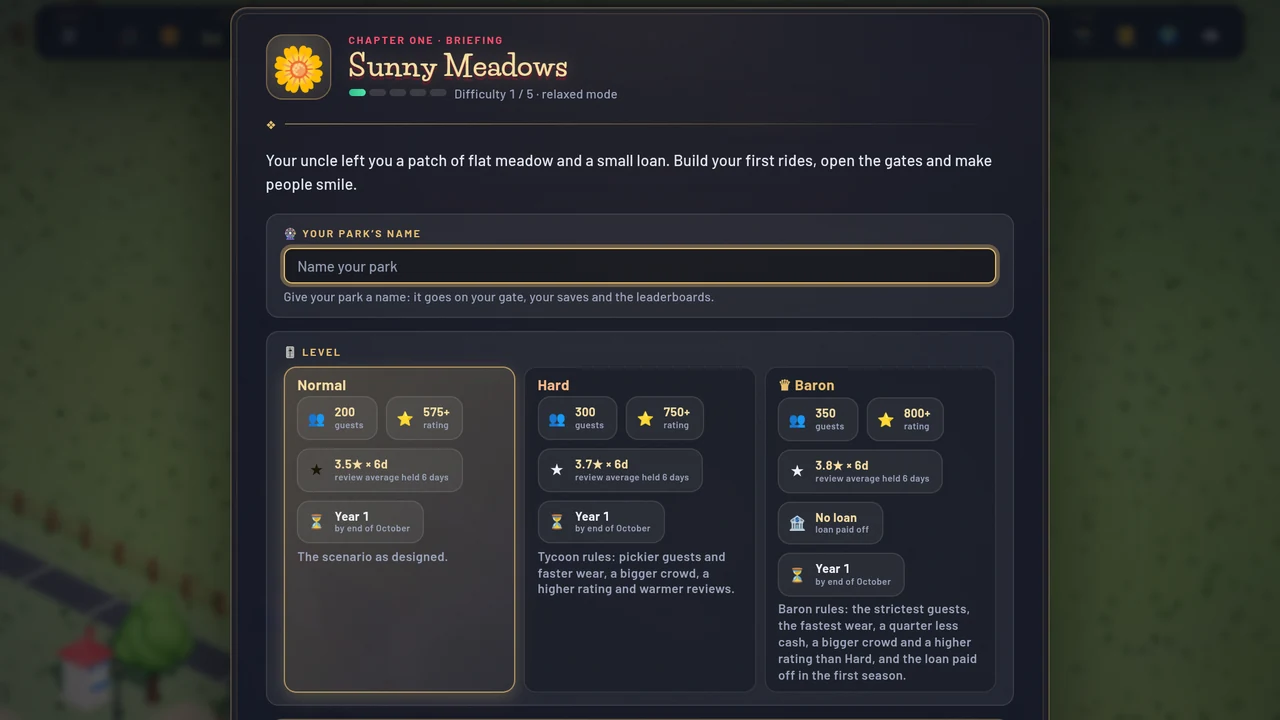
The start screen asks for the park’s name first 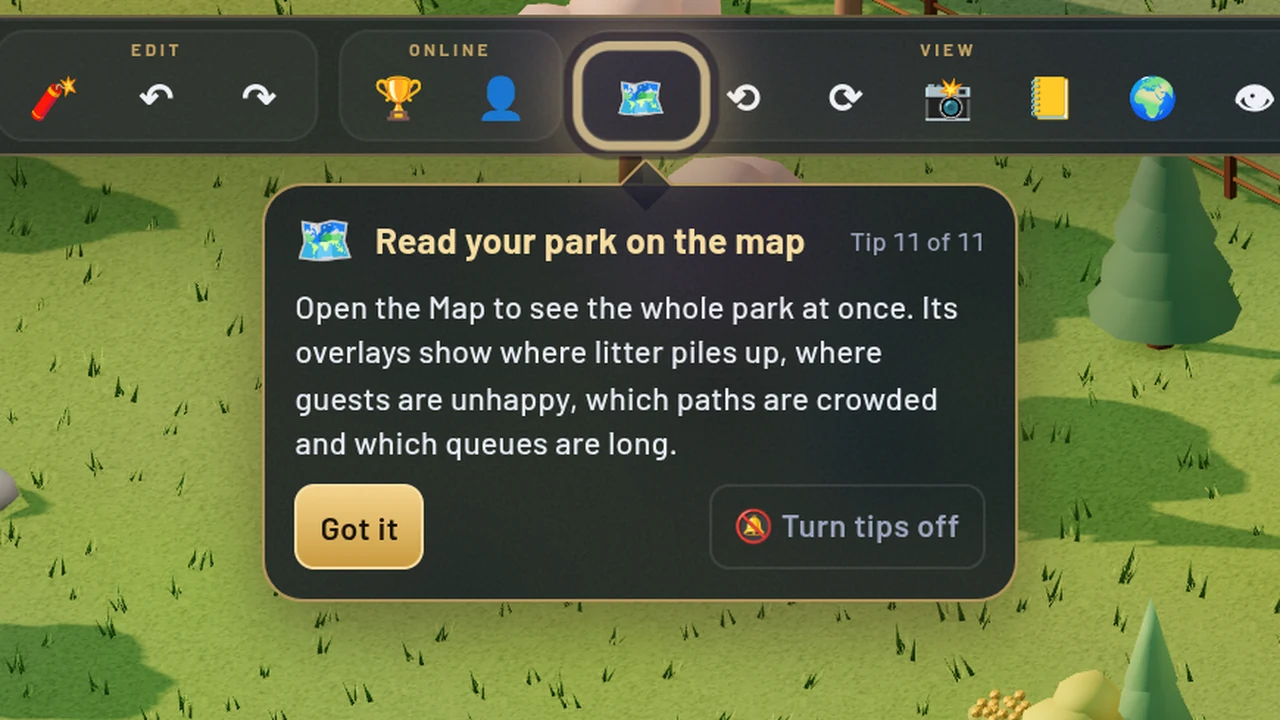
A few days in, a tip points you to the park map
Everything in this update (12)
- Build a path step by step, like the classic games: pick where to build from with the cursor, choose one of four directions and the slope (up, level or down), then press Build. ↶ takes back the last tile, and ◀ ▶ step back and forth along what you built
- Footpaths follow your mouse in one drag, turning where you turn; drag back over a tile to take it away. Wide paths (2 or 3 tiles) follow the drag too, so they no longer jump sideways as you start
- The coaster editor has ◀ ▶ to walk along the track piece by piece and change any piece
- Move a shop or stall: ✋ in its window. Its line is sent away, it turns to face the nearest path, and it costs 20% of its price. Undo works
- Moving a ride asks you to close it first, and closing a ride gets its riders off at once
- One price for an item at every shop that sells it: Same price at all, in any of those shops’ windows
- The park map opens on your park instead of the land around it, and the Queues overlay now shows the lines at rides with no queue line
- A tip a few days in points you to the park map and what its overlays show
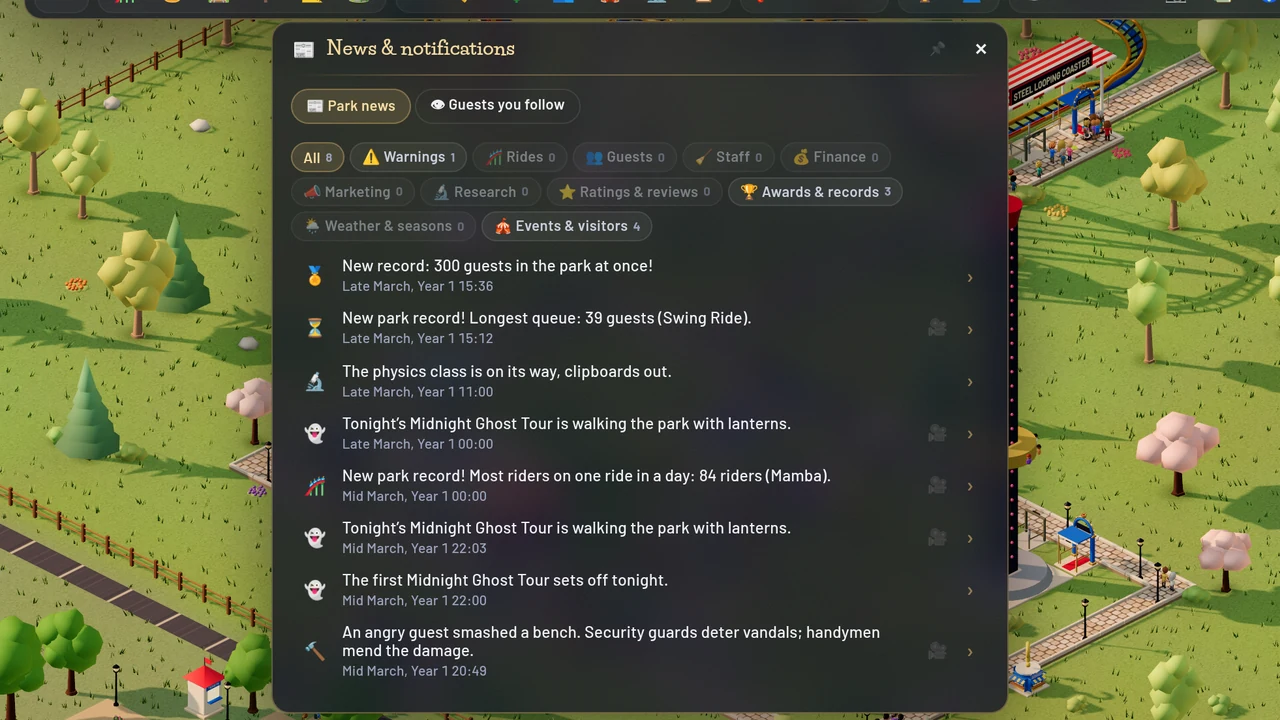
- The news line folds into a 🔔 beside the clock. A new item opens out at the bottom centre: click it for the News window, ℹ️ opens what it is about and 📍 takes you there
- Host an event opens wider, with four events to a row, and clear of your other windows
- The start screen asks for your park’s name before the level
- The News window’s filters sit on the window itself again, with no dark strip behind them