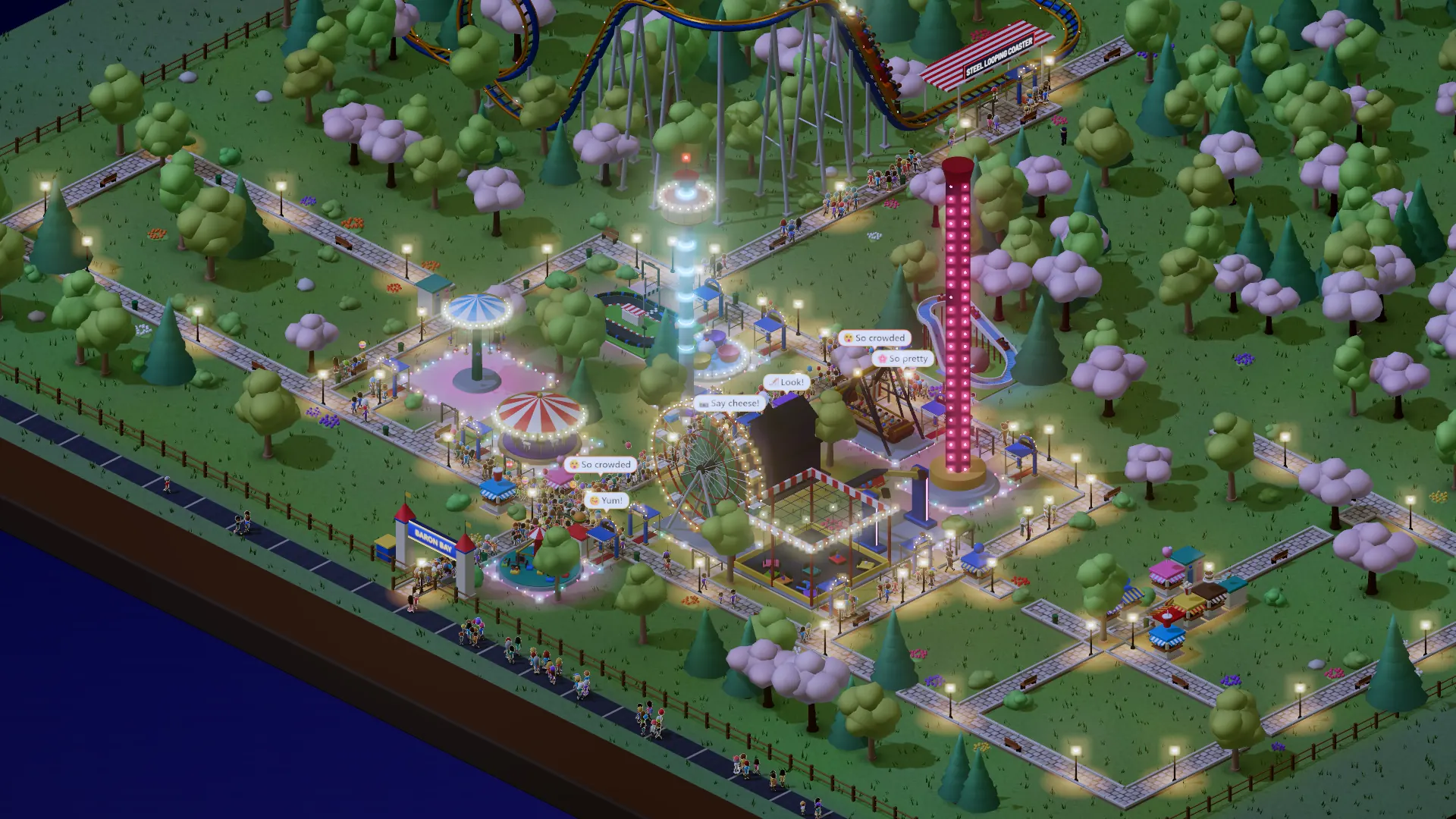
- PvP opens on a lobby
- Invite a Baron by name
- Friends after a race
- Invite a friend by email
PvP now opens on a lobby: the invites waiting for you, the ones you sent, your friends and the Barons you have raced, each with an Invite button. Type the start of a Baron’s name to invite them straight into your race; they get a card in the game with Accept, Decline or Not now, and you see their answer in your lobby. After a race, add your opponent as a friend from the result card; once they say yes you see when they are online or racing. Friend not on Park Baron yet? Invite them by email: one short email with your race link, no list, and a link that stops invites for good.
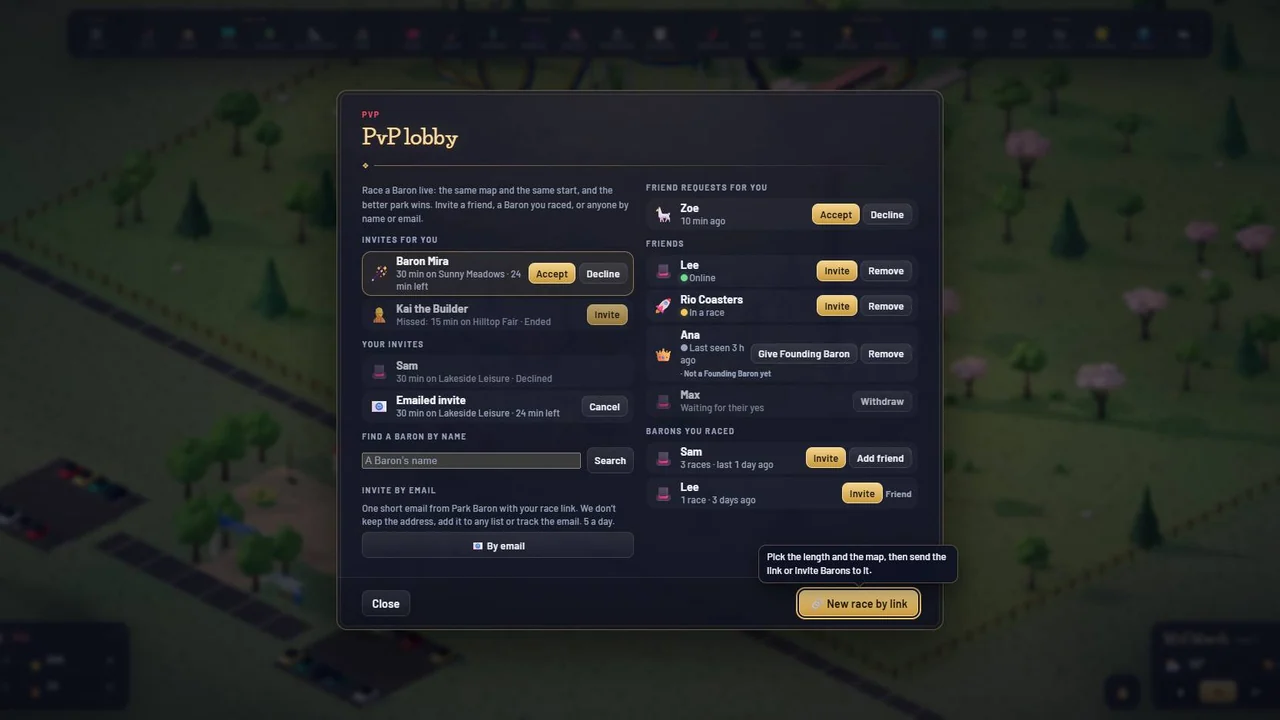
The PvP lobby: invites for you with Accept and Decline, your invites, friend requests, friends with Online, In a race or Last seen, the Barons you raced, a name search and Invite by email 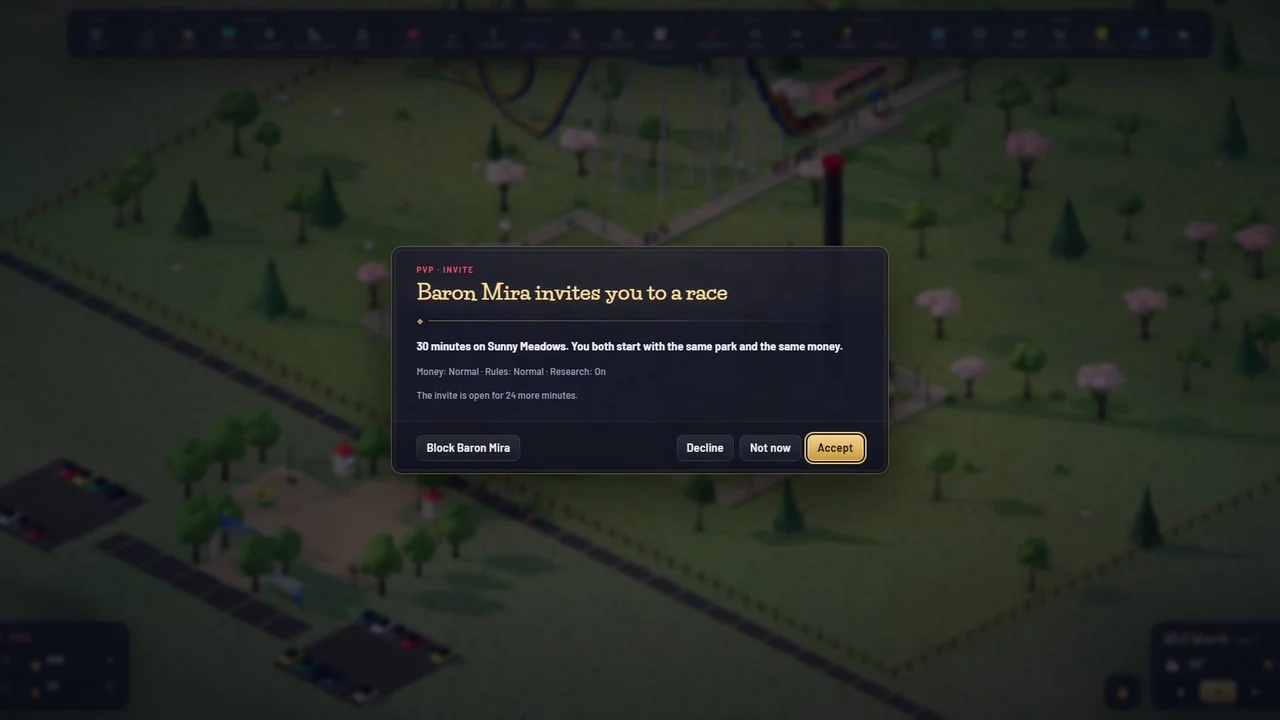
A Baron invites you: the length, the map and the start settings, how long the invite stays open, and Accept, Not now, Decline or Block 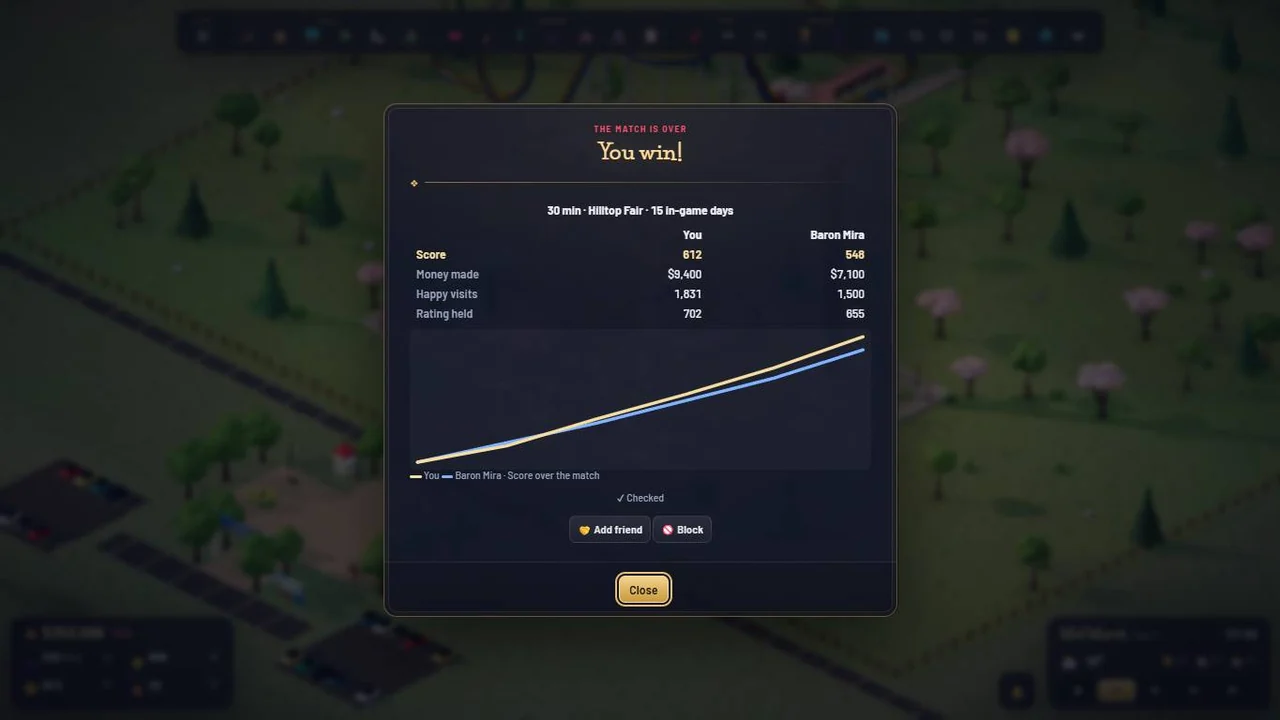
After a race the result card offers Add friend and Block; a friend request needs the other Baron’s yes
Everything in this update (4)
- ⚔️ The PvP lobby: PvP now opens on a lobby with the invites for you, the ones you sent, your friends and the Barons you raced. New race by link is still there
- 👤 Invite a Baron by name: type the start of their name and press Invite. They get a card in the game with Accept, Decline and Not now; no link to copy. Refusals say why and offer the way back
- 🤝 Friends: after a race, add your opponent from the result card, the history or the lobby. Once they say yes you see who is online, in a race, or when they were last here. Remove or block any time in Profile › Friends
- 📧 Invite a friend by email: one short email from Park Baron with your race link. We never keep the address, and the email carries a link that stops invites for good