- A 6-digit code in every sign-in email
- Type it in the game on any device
Every sign-in email now carries a 6-digit code under its link. Asked for a link on your phone but reading the email on your computer? Type the code in the game’s "Check your inbox" window and you are in. The code works as long as the link does and only once; after five wrong tries both stop working and you ask for a new link. Nothing else changes: the link still signs you in with one press, and there is still no password to remember.
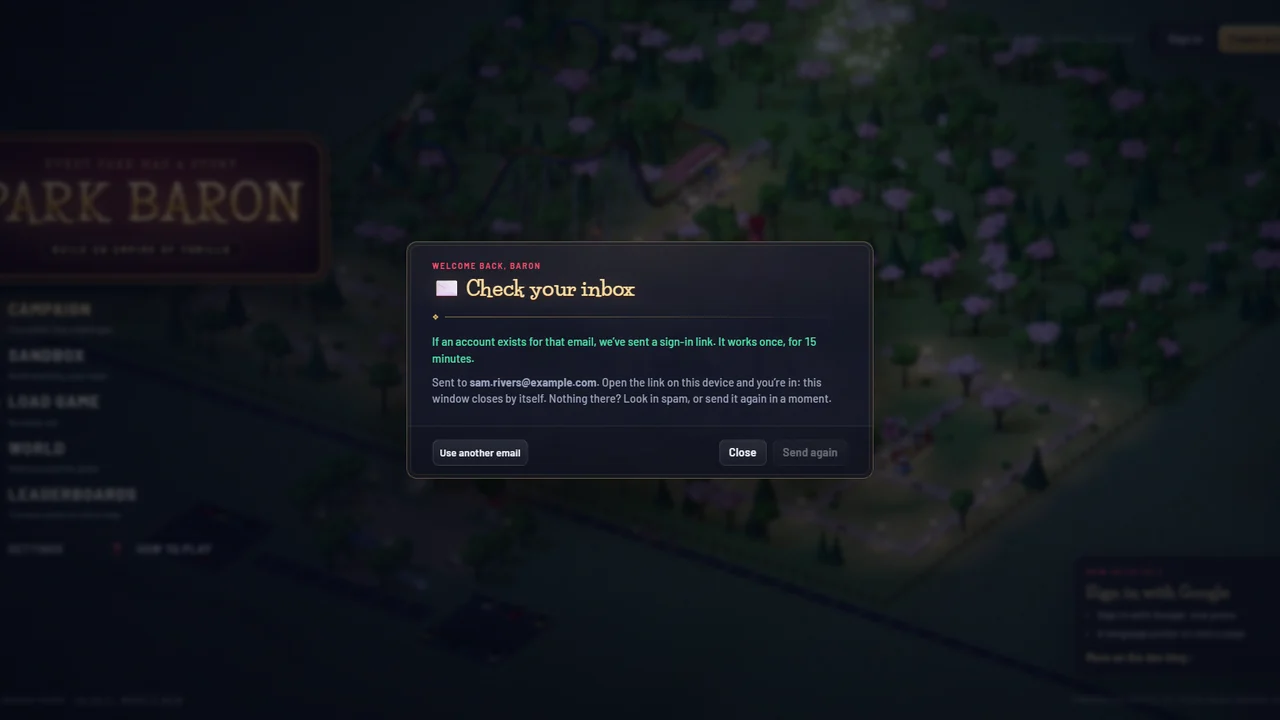
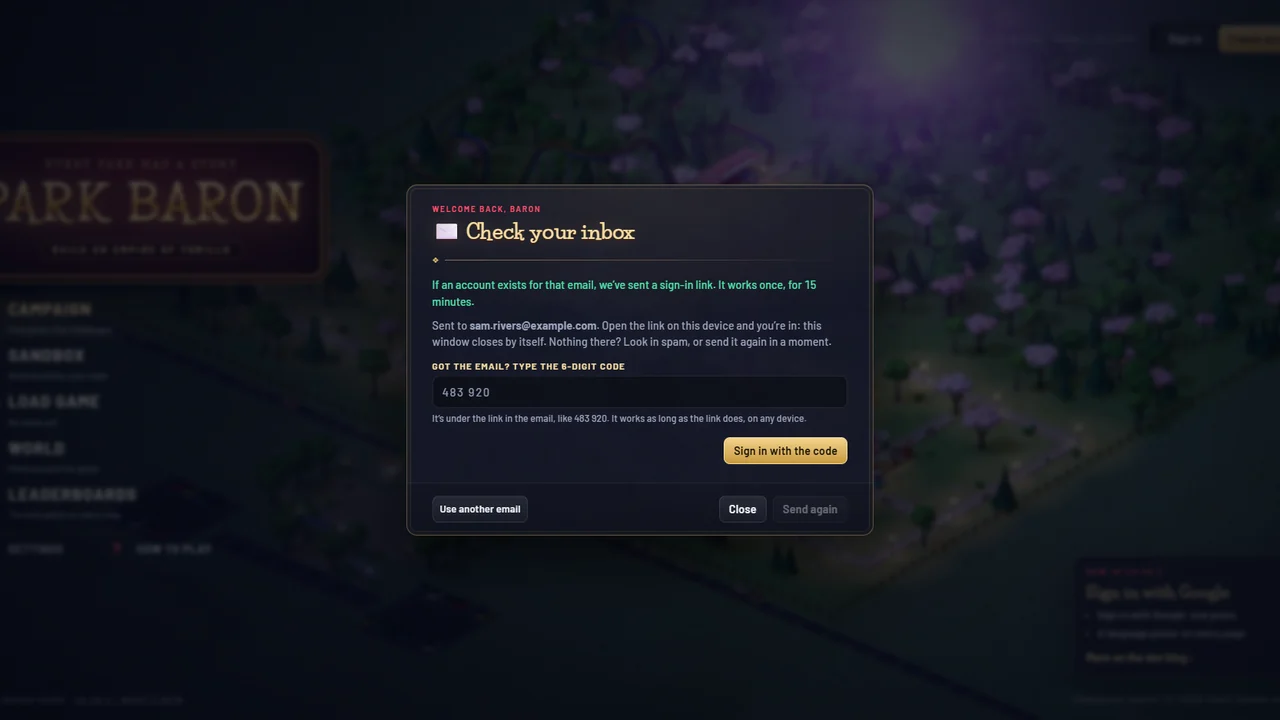 BeforeAfter
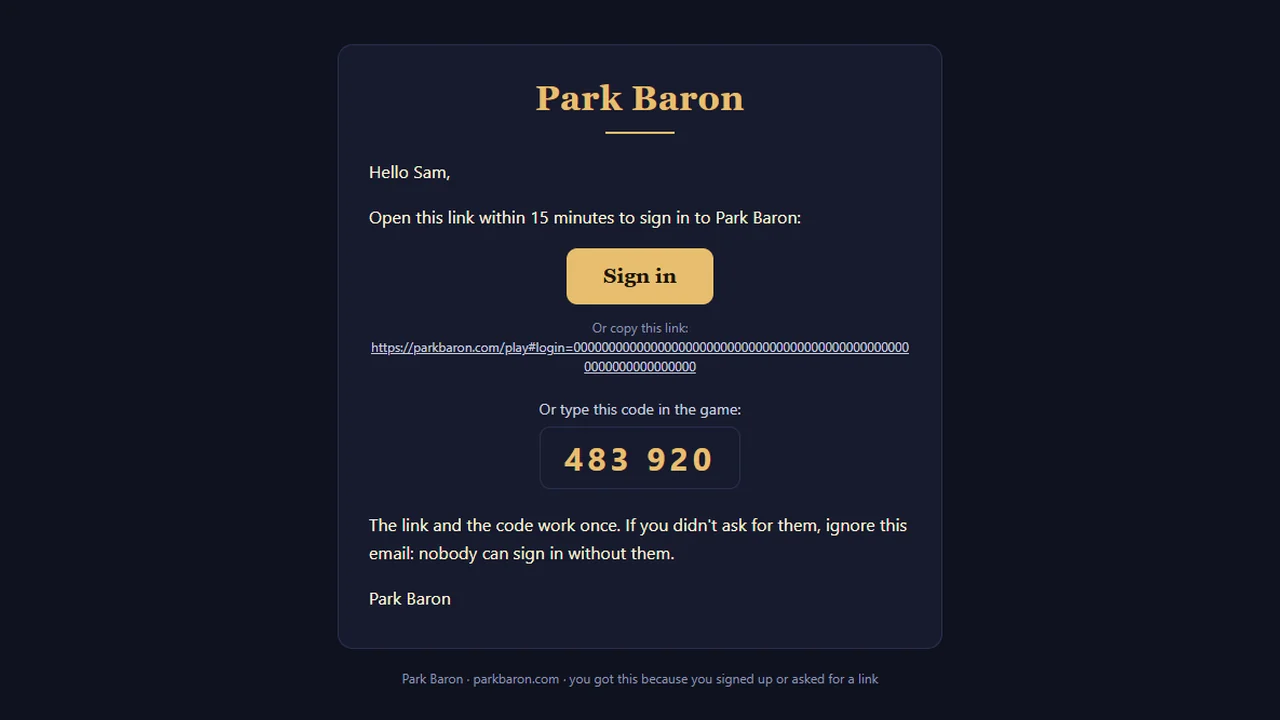
The sign-in email: the Sign in button, the link to copy, then the code in large digits
Everything in this update (2)
- ✉️ A 6-digit code in every sign-in email, under the link. Reading the email on another device? Type the code in the game’s "Check your inbox" window instead of opening the link. It works as long as the link does, once; after five wrong tries both stop working and you ask for a new link
- Fixed: on narrow screens the account windows sat a few pixels off centre