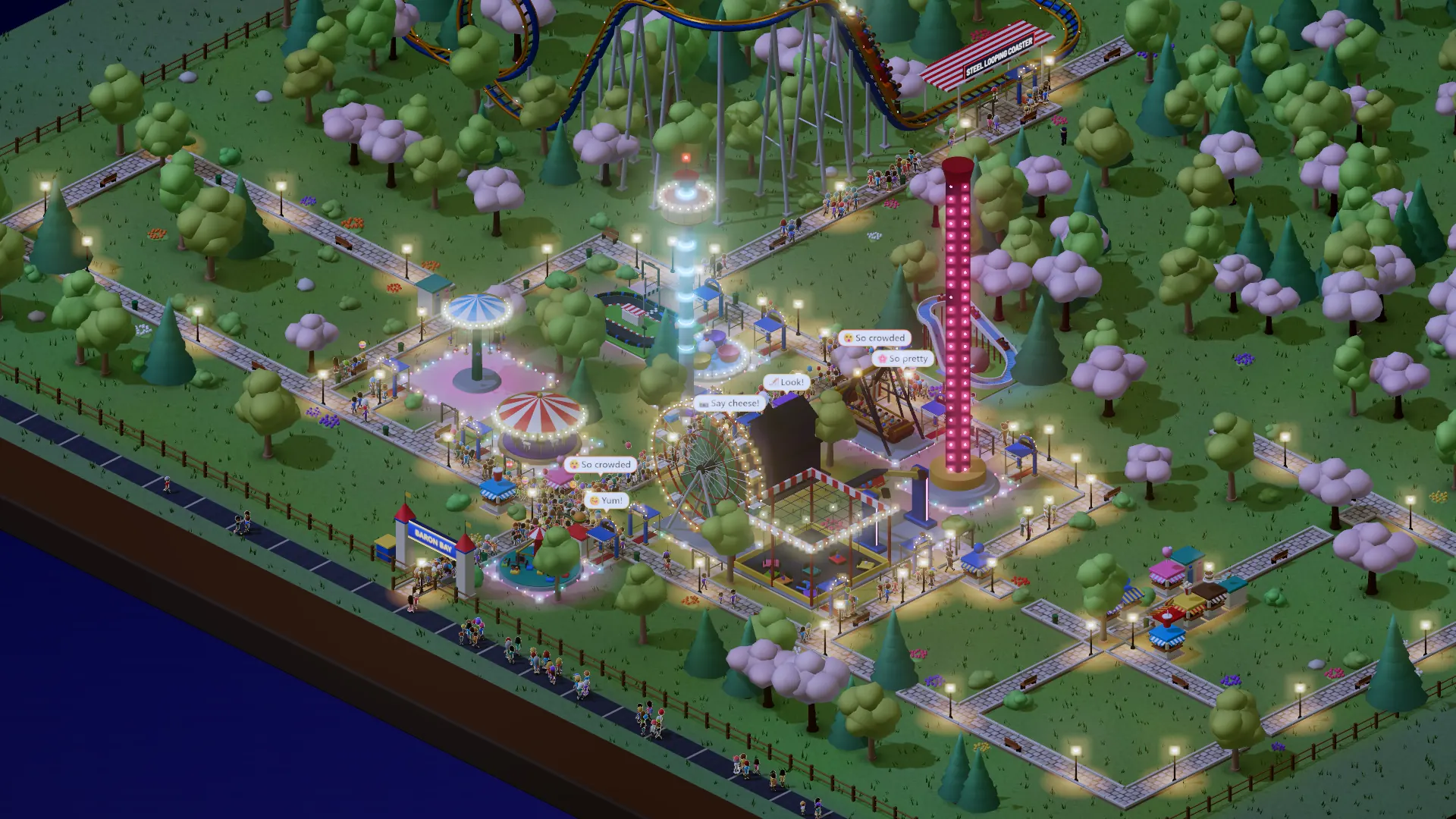
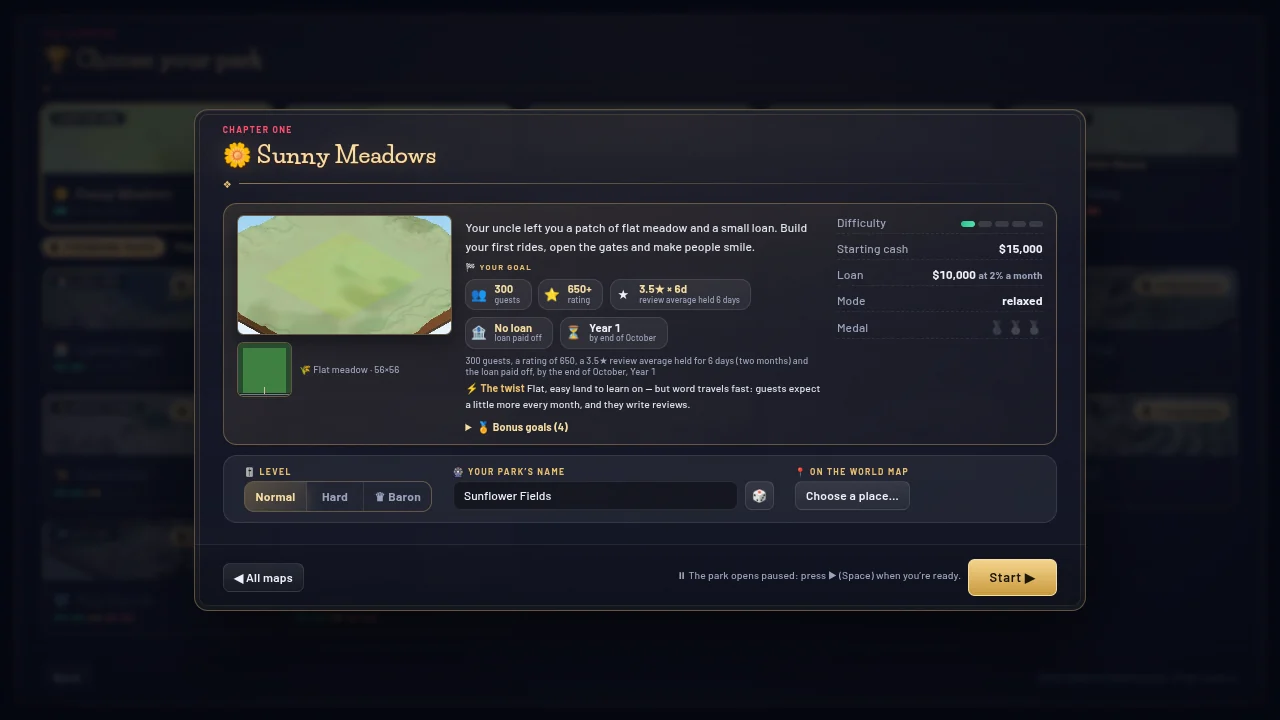
- One card starts a park: picture, goal, level, name
- No briefing and no location window after Start
- A name filled in for you, 🎲 for another
- Your first Open park starts the clock
From Play free to building your first ride, a new visitor used to pass two windows and four clicks and type a park name; now it is one card and two clicks. Starting a map from the Campaign took four windows (the list, the map, the globe, the briefing) and seven clicks plus a name; now two windows and four clicks. The card keeps the pictures that matter and the whole goal, the level changes it in place, a name is filled in for you, and your first Open park starts the clock. Same money, same goals: only the way in is shorter.
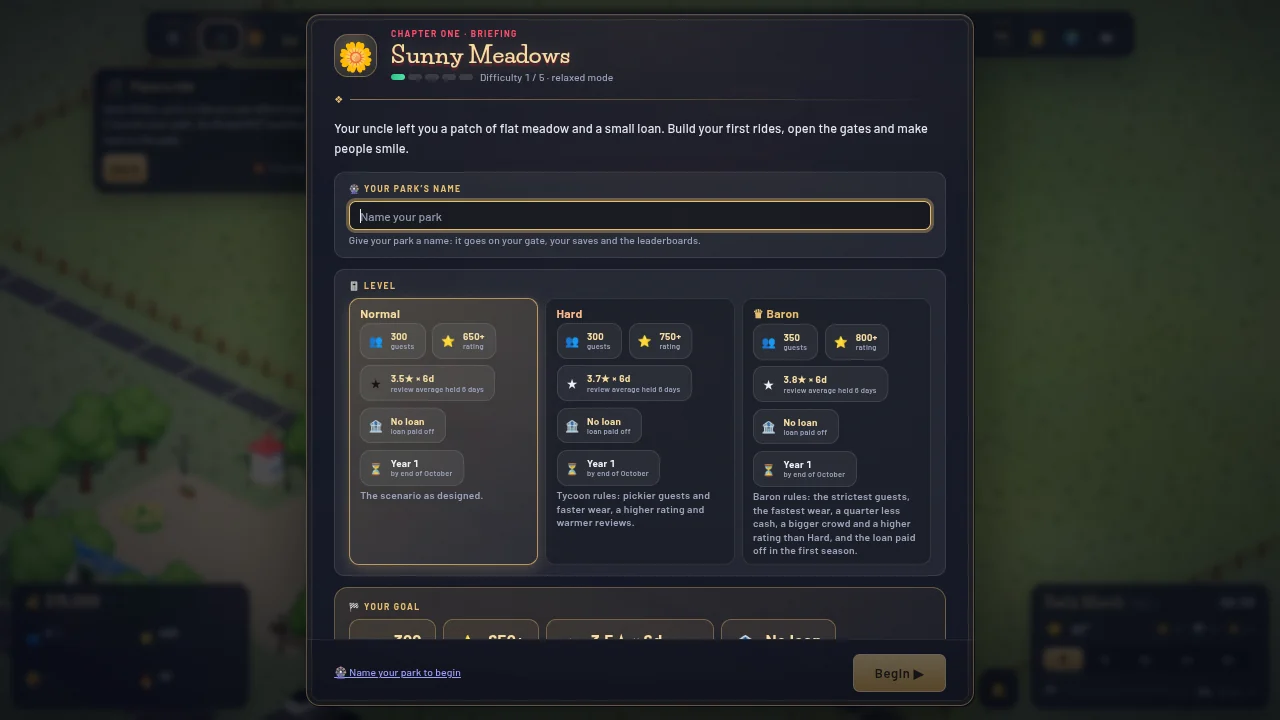
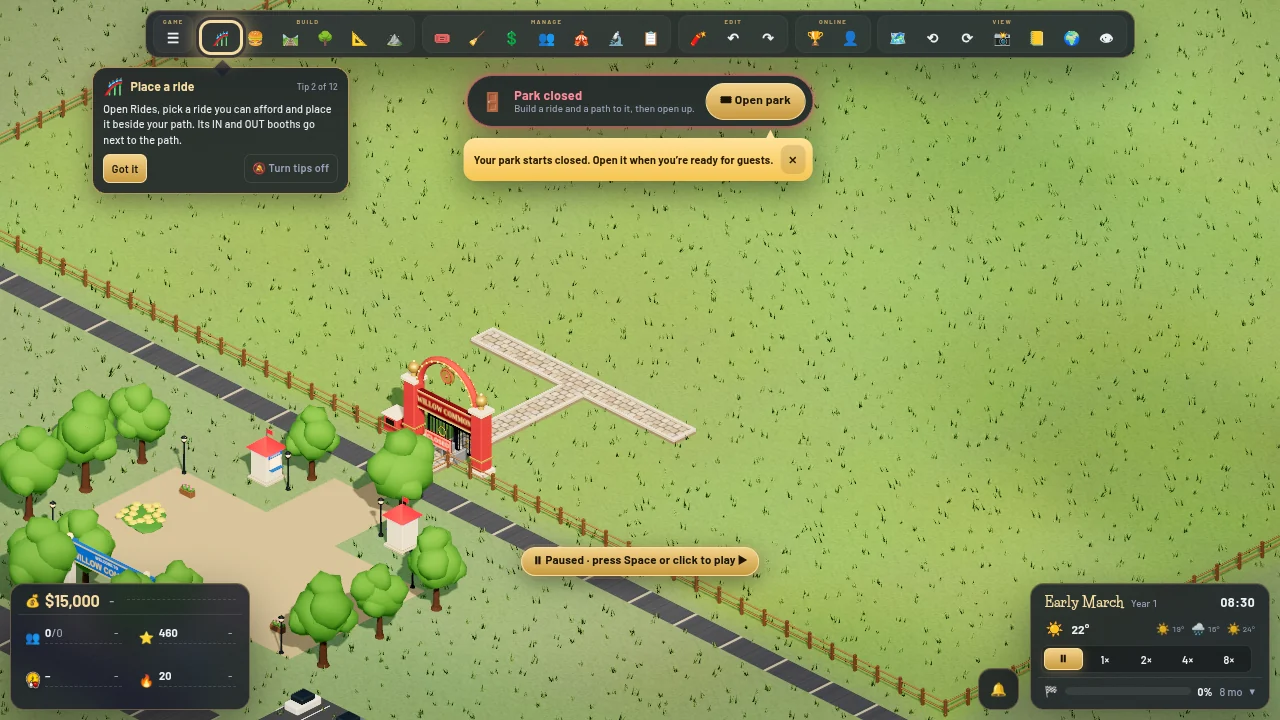 BeforeAfter
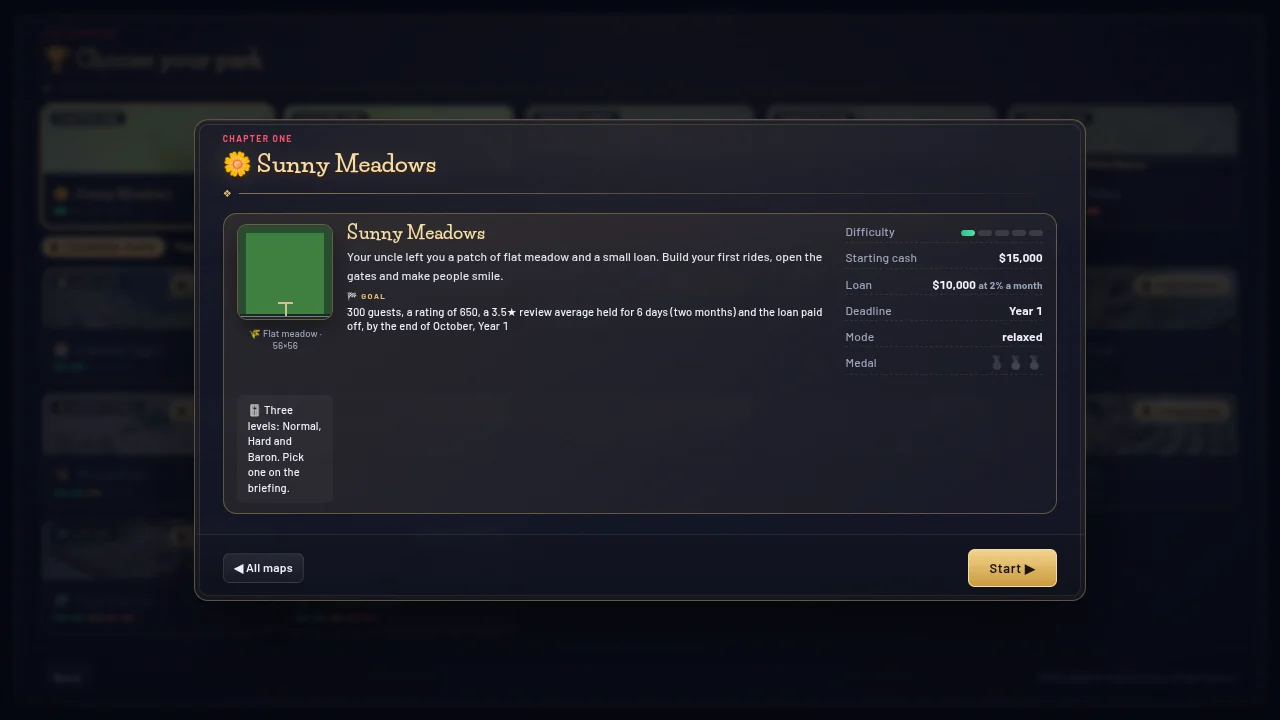
 BeforeAfter
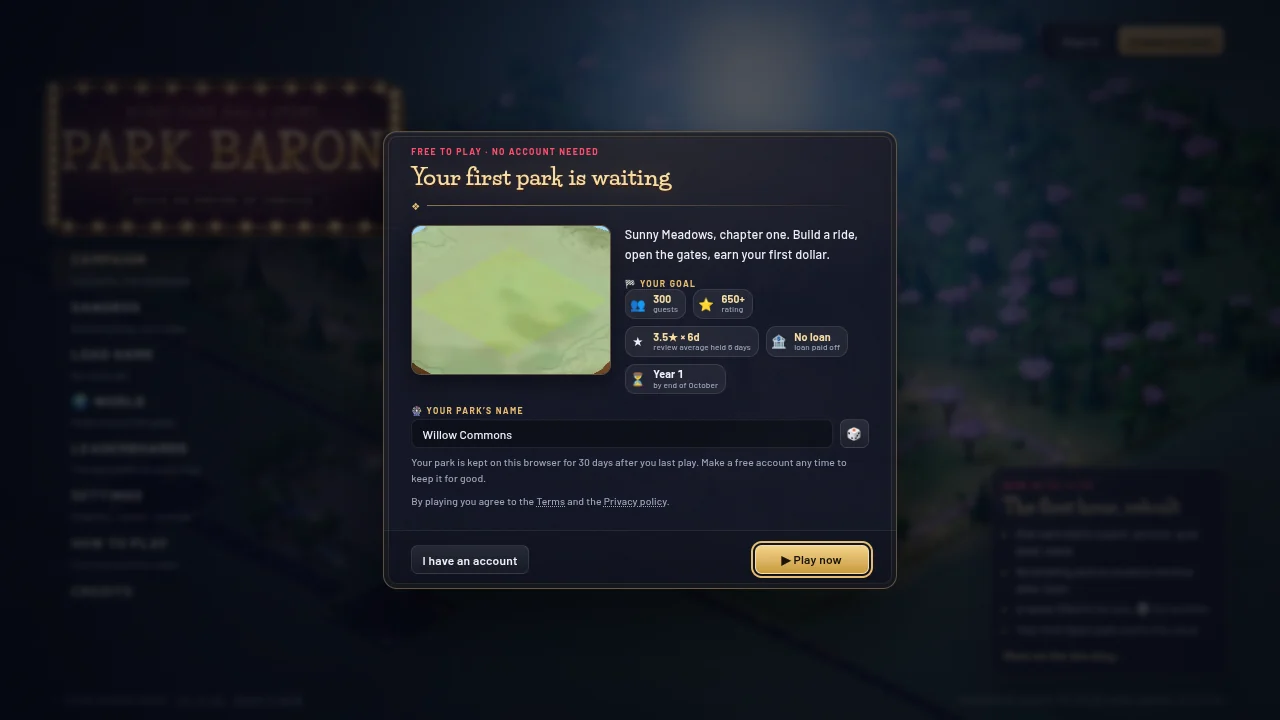
The start card for a new visitor: Sunny Meadows, its goal and a name filled in for the park (🎲 for another), then ▶ Play now 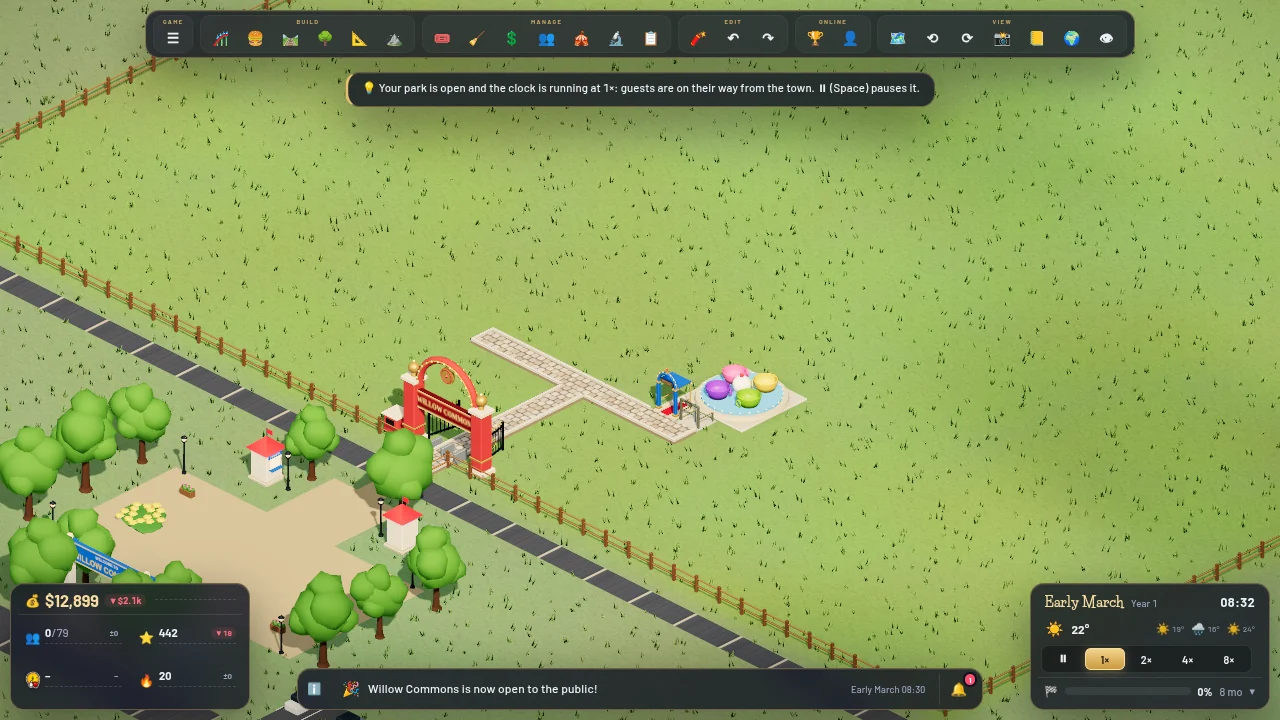
The first Open park: the clock starts at 1× and a line says so, while the first guests set off from the town
Everything in this update (5)
- ⏱️ A quicker start: one card, then your park. Picking a map opens its card with the picture, the story, the goal, the starting money and the bonus goals; choose the level there (the goal and the money change as you switch), keep the park name filled in for you or type your own, and add a place on the world map if you like. Start ▶ opens the park, with no briefing or location window after it
- Play without an account: the start card shows Sunny Meadows, its goal and a name for your park, and ▶ Play now opens the park ready to build
- Every new park gets a name filled in (🎲 rolls another); a name that can’t be used says why under the field
- Your first 🎟 Open park also starts the clock at 1×, so the first guests walk in at once. Every new park still opens paused
- Retry on the result screen keeps your park’s name and its place on the map